 VirtualCardx
Tailscale: Why It's Still My Go-To for Intranet Access
Bottom Line First
If you just want to reach the machine running your code at the office from home, or pull out your phone and connect to your home NAS while out and about, Tailscale is very likely the most hassle-free option right now. Install, log in, use - three steps in under five minutes.
But if you plan to use it in mainland China for high-volume relay, or expect the free tier to always saturate your bandwidth, set your expectations straight first. The tool's real sweet spot is "a few devices that can find each other, direct-connect when possible, relay as a fallback" - not a replacement for the FRP server that's been running for three years.
Below are my honest impressions after six-plus months of use, plus a few pitfalls I hit. No hype, no hate - after reading, you should be able to judge whether it fits you.
Intranet Penetration Options: What's Actually Different
Let me lay out the common options side by side so you don't have to research back and forth. I'll frame them by "who they suit" rather than a simple good/bad ranking.
FRP is the veteran. The principle is straightforward: you need a VPS with a public IP as the relay; the intranet machine connects out to it, and people outside access in through the VPS. It's the most stable and the most controllable speed-wise, because traffic goes entirely through your own server. The price: you have to maintain a VPS - even cheap ones run a few dozen yuan a month - and handle the maintenance yourself. It suits people willing to tinker, with high stability requirements and non-trivial traffic.
Cloudflare Tunnel takes a different path. No VPS needed - Cloudflare gives you a free tunnel with a domain and HTTPS certificate built in. Setup is absurdly simple; one Docker command and it's running. But its servers are all overseas, so latency from China is high and connections occasionally drop, and it doesn't support UDP. If you just want to expose a web service to demo to a client or share a file with friends, it's the most effortless option. For gaming or remote desktop, the experience suffers.
ZeroTier is conceptually similar to Tailscale - pulling scattered devices into a virtual LAN. ZeroTier is older and has more users in China. The problem: its root servers are often unreachable from China, reconnects are slow after drops, and the experience is somewhat luck-dependent.
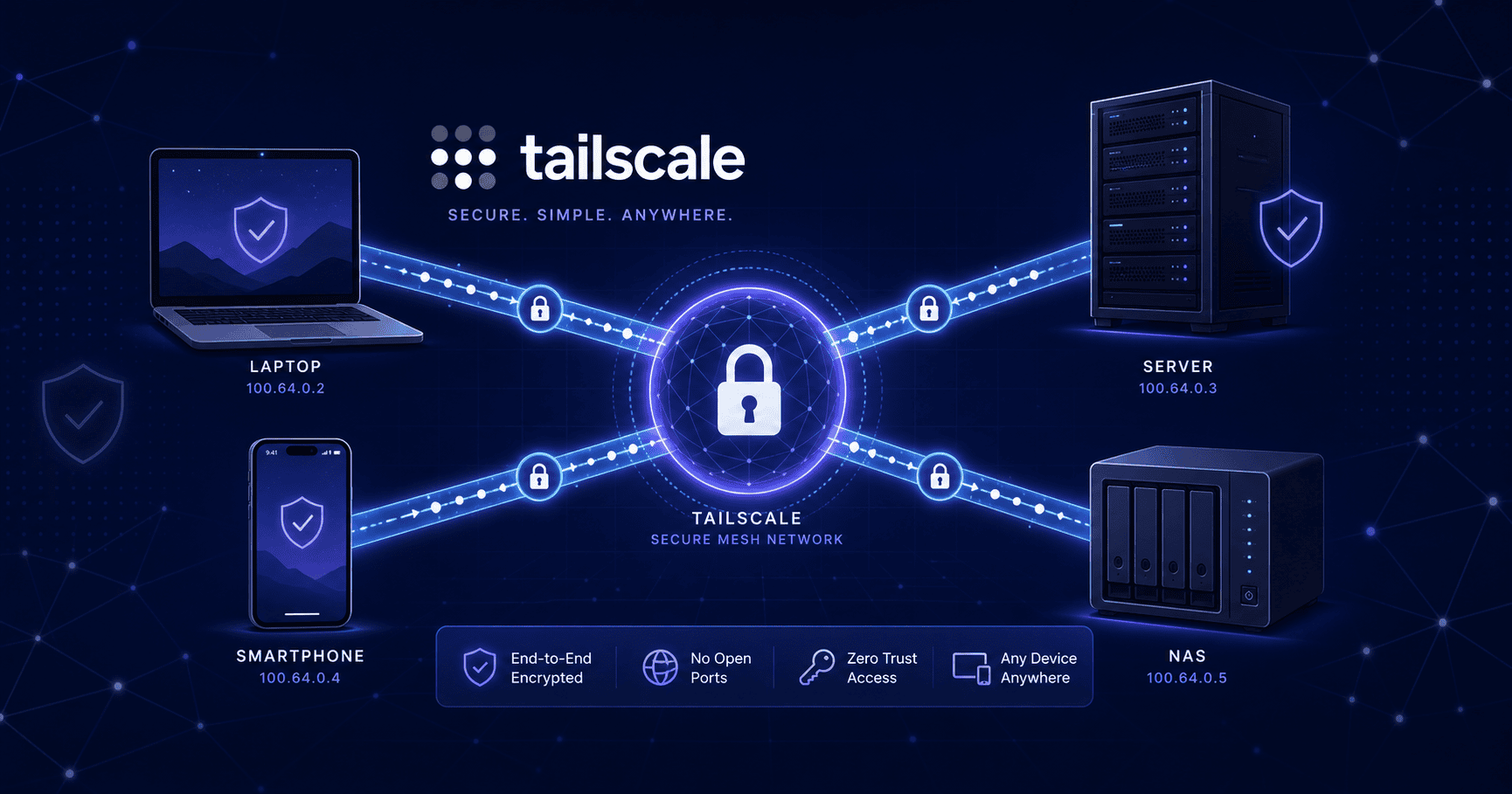
Tailscale is built on WireGuard with end-to-end encryption underneath. It first tries to punch through for a direct P2P connection between two devices - if that succeeds, traffic flows direct at near-raw-network speed; if not, it falls back to relay servers (DERP). Setup is easier than all the above, with clients covering Windows, Mac, Linux, Android, and iOS - install, log in, done.
These four aren't mutually exclusive replacements; they each have their own job. At home I run Tailscale for everyday devices, there's an FRP at the office for fixed relay, and Cloudflare Tunnel handles temporary demos. Mixing them is actually the most comfortable setup.
What Tailscale Feels Like in Practice
Install the client, log in with a GitHub or Google account, and devices join the network. Each machine gets a fixed 100.x.x.x IP - from then on you just use that IP; no ports to remember, no domain to configure.
Daily experience splits into two cases.
When two devices are on the same LAN, or the network is good enough for a P2P direct connection, speed is basically raw-network level. From the office I can hit my home NAS and transfer files at 30MB/s+ - nearly indistinguishable from local. SSH latency to servers is just a few dozen milliseconds, far smoother than commercial remote desktop tools.
The trouble starts when P2P can't punch through. Tailscale automatically falls back to official relay nodes (DERP). Most official DERP servers are overseas, so from China latency can spike to 100-200ms with limited bandwidth. In that state, remote desktop stutters, and forget about transferring large files.
One free-tier limit to know: a single account allows up to 100 devices and 3 users. That's plenty for individuals and small teams - if you're truly at hundreds of devices, you should already be thinking paid or self-hosted.
Build One From Scratch in Three Steps
Say you have a Linux server at home and a laptop outside, and you want them in one network.
Step one: install the client on both machines. On Linux it's usually a one-liner:
curl -fsSL https://tailscale.com/install.sh | sh
For Windows and Mac, download the installer from the official site. Mobile app stores have it too.
Step two: run tailscale up - a browser pops up for you to log in and authorize. Log into all devices with the same account and they automatically join the same network.
Step three: run tailscale status to check connection state. You'll see each device's IP and whether it's direct or relayed. At this point, the two machines can already ping each other.
If you want the outside laptop to reach your whole home LAN (not just the Tailscale-installed server), enable subnet routing on the server:
tailscale up --advertise-routes=192.168.1.0/24
Replace the subnet with your actual home network. Then go to the machine settings in the Tailscale admin console and approve the subnet route. Lots of people forget this step and can never reach other intranet devices, convinced they misconfigured something.
Real Pitfalls I Hit
Relay too slow? High latency to official DERP servers from China is a genuine weakness. The fix: self-host a relay node in China on your public-IP VPS. Once it's up, devices that can't P2P use your own relay, and latency drops to tens of milliseconds. Setup isn't hard - ready-made Docker images exist - but remember to open the right ports (typically 3478/UDP plus a custom TCP port) and don't miss the cloud provider's security group.
Subnet routes not working. 90% of the time it's forgetting to approve in the admin console. Tailscale's security model requires explicit admin approval even after you advertise a subnet. Go to the admin console, find the device, and click allow in the routing settings.
Devices dropping and not reconnecting. This mostly happens with clients on OpenWrt routers or laptops waking from sleep. Usually a service restart fixes it. For a permanent fix, enable auto-start for Tailscale and add a scheduled health-check script (restart if ping fails) - much less worry.
ACL confusion. By default, all devices in the same network can access each other. As devices grow, you might want to restrict some machines to one-way access. Tailscale ACLs are written in JSON - not complicated, but the first configuration can be twisty. Start with the simplest "allow all" and tighten once it's working.
When I Wouldn't Recommend Tailscale
After all the praise, I should cover where it doesn't fit, so you don't go down the wrong path.
If you need fixed high-volume relay - like daily multi-GB backups or streaming video surveillance - FRP with a reliable VPS fits better. Tailscale's strengths are flexibility and low maintenance, not hauling high-volume relay; and once traffic goes through DERP, bandwidth and stability are beyond your control.
If you're only exposing one HTTP service to the outside, like demoing to a client temporarily, Cloudflare Tunnel beats Tailscale. It comes with domain and certificate built in, and the other side doesn't need to install a client - just share a link.
If you want full autonomy, even refusing to hand your account system to Tailscale, look at Headscale - an open-source control-plane implementation of the Tailscale protocol. Self-host it, keep the same clients, and all control stays with you. The setup bar is higher; it suits perfectionist techies.
A Few Honest Words at the End
There's no silver bullet for intranet penetration. I've seen too many people chase the "perfect solution" for six months when one FRP or one Cloudflare Tunnel already covered their need. And I've seen people who only needed to remote into two computers insist on building complex VPN tunnels.
Tailscale's value is pushing the barrier of "making a few devices find each other" down to the absolute minimum. It doesn't solve everything, but the part it does solve is currently the smoothest in the game.
My advice: try the free tier for a week and add all the devices you connect daily. Once it runs smoothly, decide based on actual bottlenecks whether to self-host DERP, move to Headscale, or add an FRP. Don't try to have it all from day one - that's just asking for trouble.