How to Pay for Cursor in 2026: Pricing and Virtual Cards
- Filed
- Cross-Border Payments
- First run
- 2026-10-31
- Length
- 8790 chars
The Big Change First: Which Billing System Are You Actually In
Facts in this article were checked against Cursor's official pricing page and billing docs on November 1, 2026. If your mental model of paying for Cursor is still "get a card with $20 on it and buy Pro," it's outdated. Cursor is now part of The X Subscription, a single subscription that covers Grok, Cursor, and X. New customers pick a plan there, and billing lives at grok.com/dashboard/billing. Subscriptions started before the switch keep running as legacy Cursor plans, billed through cursor.com/dashboard/billing and Stripe. Two systems, two billing portals, two price tables. Figuring out which side you're on is step one, because the payment paths and refund rules are not the same.
New Pricing: The X Subscription Individual Plans
Prices below come straight from the official pricing page. They exclude tax, so expect VAT to land on top at checkout.
- Free: $0, limited AI usage and basic features
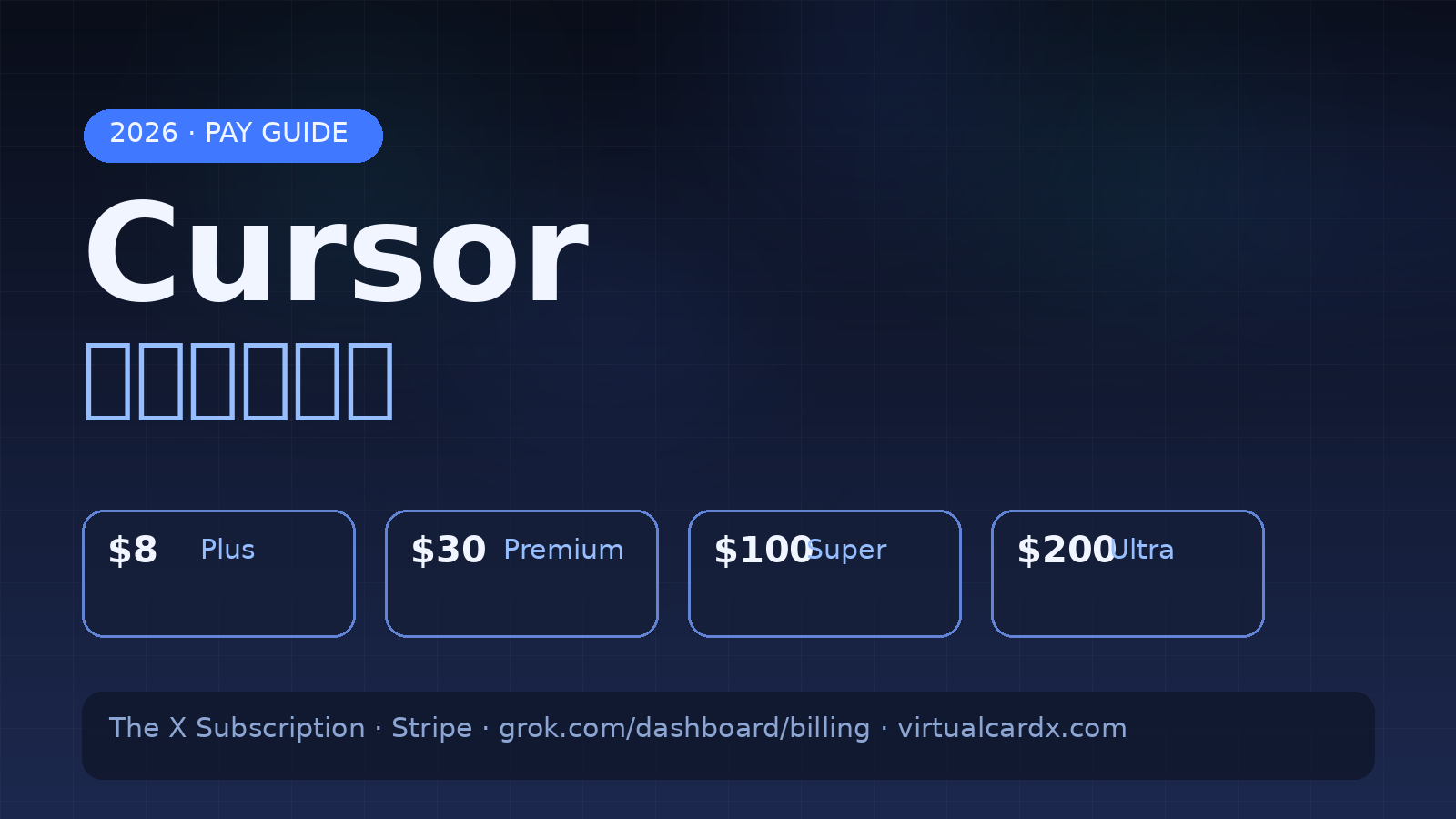
- Plus: $8/mo or $80/yr. A base usage pool, Grok-family models only, running at fixed settings (no Fast, medium effort). No Auto, Cloud Agents, Automations, Bugbot, Origin, or third-party models
- Premium: $30/mo or $300/yr, 4x Plus usage, adds cloud agents, code hosting, AI code reviews; third-party models billed separately at API list price
- Super: $100/mo or $1,000/yr, 15x usage, priority model access at peak times
- Ultra: $200/mo or $2,000/yr, 50x usage, earliest access to new products
Teams pay per seat, and the price follows the seat tier: $30, $100, or $200 per seat per month, matching Plus, Super, and Ultra. Two footnotes worth more than they look. You can cancel anytime, but at least 24 hours before renewal if you don't want another charge. And prices "are subject to change," in the site's own words. One more structural detail that trips people up: included usage in the new system is a weekly pool covering Grok 4.7, Grok 4.6, Grok 4.5, and Composer 2.5, refreshed weekly, separate from your billing cycle. Prepaid credit you buy doesn't sit there forever either. It expires 365 days after purchase.
Legacy Plans Are Alive, But Closed to Newcomers
If you subscribed before the switch, nothing is forced. Your plan, price, and features continue as they were, and you can still move between legacy tiers. The old table reads Pro at $20/mo, Pro+ at $60/mo, Ultra at $200/mo, Teams Standard at $40 per seat, Teams Premium at $120 per seat, plus a tax-inclusive Start plan at ₹649/mo for India. Here's the catch: switching to The X Subscription is permanent. Do it and Cursor cancels your legacy subscription with a prorated refund for unused time, bills any outstanding usage-based charges in a final invoice, and there's no going back. Treat that as an irreversible decision and run three checks. Price: $20 legacy Pro maps roughly to the $30 Premium tier's usage band, so staying is a price lock in a market where the official page itself says prices can change. Features: the $8 Plus tier excludes Auto, Cloud Agents, Bugbot, and third-party models entirely, so light users save money while heavy users effectively start at $30. Opportunity cost: switching burns your right to the old rate forever. A $20 legacy Pro in 2026 is quietly one of the better deals in AI tooling, and unless you specifically want the bundled Grok and X benefits, holding still beats switching.
Where You Pay: Three Doors, Don't Mix Them Up
The X Subscription handles everything at grok.com/dashboard/billing. Plan, payment method, invoices, and prepaid credit all live there; you add cards, change the default, or remove them under Payment details. Legacy subscribers go to cursor.com/dashboard/billing and click Manage in Stripe, which opens the Stripe billing portal where you update cards, retry failed charges, and download invoice PDFs. The third door is in-app purchases: iOS subscriptions are billed by Apple, and Grok Bot Android subscriptions go through Google Play. Cursor's support can't cancel those for you, so manage them in the respective app stores. On invoices, usage-based charges are billed separately from your subscription, and on Teams only admins can see billing at all.
Using a Virtual Card: What Works, What Bites
Web checkout runs on Stripe. For virtual card users that's mostly good news, since Stripe's acceptance of mainstream-BIN virtual cards is decent overall. The trap is that subscriptions charge in two stages, an initial payment and recurring renewals, and Cursor staff have said on the official forum that unconventional cards may get declined at checkout or fail at renewal, which pauses the subscription. That's a community-sourced data point, not a guarantee about your specific card, so test with a small balance first. The practical checklist:
- Pick a US-BIN card product that supports 3D Secure and recurring billing; skip anything labeled single-use or no-subscriptions
- Keep the Stripe billing address consistent with the card platform's profile, zip code and state included
- If the first charge fails, follow the official path: retry from the billing page, open the Stripe portal and verify card number, expiry, CVC, and billing address, try a different card, then ask your bank whether international online charges are enabled
- Don't zero out the card after subscribing. A failed renewal pauses the plan, so keep enough balance before each cycle
- Charged but plan unchanged is a documented scenario; use the official checklist or contact support with the transaction ID
For error codes like 402 or card_declined, our Stripe decline-code troubleshooting guide covers the decoding logic, and it applies here too. We've done the same payment walkthroughs for Claude Pro, OpenRouter, and Kiro if you want to compare how strict each provider's risk checks feel in practice.
Keeping Spend Under Control
Charges in the new system come in three layers: the subscription, prepaid credit, and usage beyond what's included. Third-party models like Claude and GPT draw from prepaid credit from the very first request, and only on Premium and above. Cursor's own models beyond your weekly pool draw from the same balance. Auto Top-up is off until you turn it on; once enabled, it charges your saved card whenever the balance drops below your threshold, which matters if that card is a virtual one with limited funds. Teams share one prepaid balance, and only admins can top up or change settings. The control worth setting on day one is the monthly additional usage limit. It caps paid additional usage you consume, not the credit you buy, and when you hit it, extra usage pauses even if credit remains. On legacy plans the equivalent is the on-demand spend limit; individuals must explicitly enable on-demand billing before overage can even occur, while Teams have it on by default with admin controls to disable it.
Refunds and Cancellation: Stricter Than You'd Hope
For legacy individual plans, a refund needs two conditions at once: the charge is within the last 14 days, and you haven't used the subscription during that period. Meet both and support may refund to your original payment method in 5-10 business days. Miss either, and the current period is generally not refundable; you can only cancel to stop future charges. Upgrades don't prorate by time left, only by unused included usage. Downgrades mid-cycle get no prorated refund at all. Canceling keeps your paid features until the period ends, then the account drops to Free; nothing is deleted. Apple handles refunds for in-app purchases, not Cursor. The practical translation: start monthly, not annual, and make your keep-or-leave decision inside the 14-day window while the account is still untouched.
Risks and Limits Worth Writing Down
Four things belong on your decision list. The price structure is still moving, and the official page says so; treat every number here as verified on November 1, 2026 and recheck before paying. The student discount stopped accepting new sign-ups on June 25, 2026, because the program had become a fraud target in Cursor's own words, so ignore anyone selling "student half-price" activation. Switching to The X Subscription is one-way; settle usage-based invoices and accept the weekly-pool logic before you commit. And if your local bank card gets declined on Stripe, that's common and region-dependent. A virtual card is the standard workaround, but if a specific BIN gets blocked, don't hammer the same card repeatedly. Retrying the same declined card just deepens the risk flag.
FAQ
Can new users still buy the $20 Pro plan?
No. Legacy plans are closed to new customers. The entry point for new sign-ups is Plus at $8/mo on The X Subscription.
Does Cursor accept Alipay or WeChat Pay?
The official docs list Stripe for web subscriptions and App Store or Google Play for in-app purchases, with no mention of Alipay or WeChat Pay. Credit and debit cards are the practical channel on the web.
Can one virtual card cover Cursor plus my other AI subscriptions?
It can, but it's poor practice. Stacking recurring charges on one card means any failed renewal cascades, and when the balance runs short, whichever service bills first wins while the rest fail. Split cards by purpose.
If I burn through the weekly pool, do I get charged automatically?
No. Extra usage on Cursor's own models draws from prepaid credit, and when there's no credit, additional usage simply stops. Auto Top-up only acts if you've turned it on yourself.
When does renewal hit, and how do I avoid missing it?
Both systems renew on your subscription date, and Teams follow the team creation date. The official guidance is to cancel at least 24 hours before renewal. Virtual card users should put the charge date on a calendar and check the card balance a day or two ahead; a failed renewal pauses the subscription until it's resolved, and the interrupted workflow costs more than the fix.
My card was charged but the plan didn't change. Now what?
It's a documented scenario. Check the billing page for the invoice, give it a few minutes, then contact support with your account email, charge amount and date, transaction ID, and a screenshot of your current plan. Don't re-subscribe in the meantime, or you risk a double charge.
How soon can I get a refund after subscribing?
On legacy individual plans, within 14 days of the charge and only if the subscription wasn't used in that period, refunded to the original payment method in 5-10 business days. Refunds for The X Subscription follow the SpaceXSI documentation, so read those terms before buying.