 VirtualCardx
Stripe Card Declined? Decline Codes and Fixes (2026)
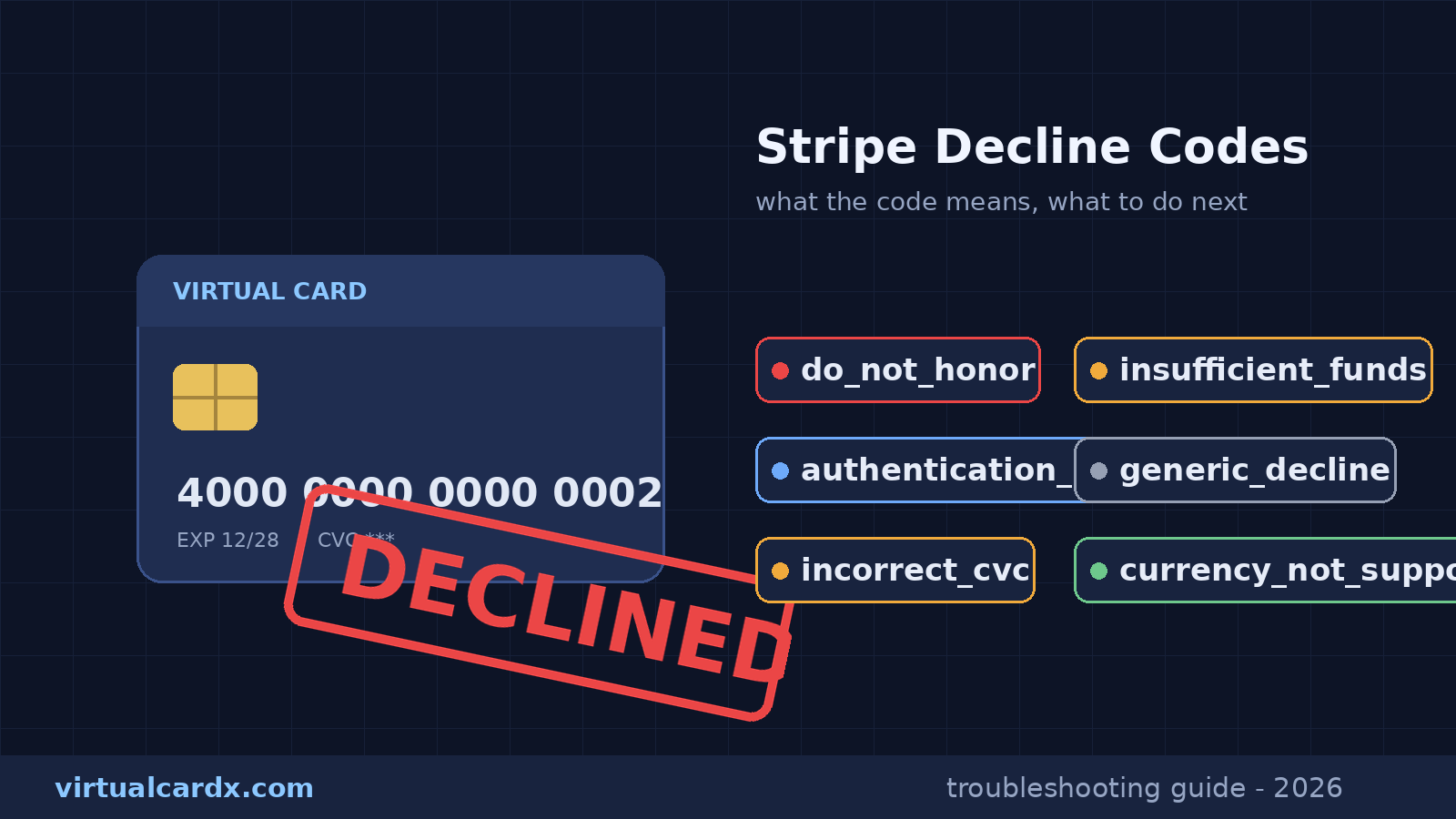
"Your card was declined." Three words, zero explanation, and a checkout page that quietly swallows the real reason. If you pay for overseas subscriptions with a virtual card, you've probably met this wall more than once. The fix usually isn't luck or a tenth retry. It's reading the decline code that the merchant saw but didn't show you. This guide maps to Stripe's official documentation — Declines, Decline codes, Card declines, and Testing — all facts checked against those pages on October 25, 2026. If the docs don't state it, this article doesn't claim it.
Who actually declined you: three failure paths
Stripe sorts payment failures into three buckets, and each bucket has a different owner. The first is issuer declines. When a charge request reaches your card issuer, automated systems weigh spending patterns, account balance, and card data — expiry date, address, CVC — and decide whether to authorize. The second is blocked payments. Stripe's own fraud engine, Radar (or its Adaptive Acceptance layer), scores the transaction as too risky and never sends it to the issuer at all. The third is invalid API calls — developer mistakes like malformed parameters, which usually never even surface as a payment in the merchant's dashboard.
The distinction matters more than it sounds. If the issuer declined you, the person who can unlock the situation is your issuer — or you, fixing a typo. If Radar blocked you, calling your bank is a dead end; nothing ever reached them, and hammering the retry button just feeds the risk score. Stripe records the outcome type (issuer_declined, blocked, or invalid) on every payment object. Merchants can see it. Most just choose not to expose it.
The decline codes that matter, one by one
Stripe runs its own decline-code vocabulary on top of the raw codes issuers and networks return, and some errors carry an advice code suggesting the next step. Here are the ones you're realistically going to hit, with meanings taken verbatim from the official table:
do_not_honor— declined, reason unspecified. The official next step for the cardholder: contact the issuer. The most common and least informative code in overseas subscription payments.generic_decline— declined for an unknown reason, or Radar / Adaptive Acceptance blocked it. Again: ask the issuer.insufficient_funds— not enough balance on the card. Use another payment method or top up first.card_velocity_exceeded— you've blown past the card's balance, credit, or transaction limit. Note this can fire even with money on the card, if the single-transaction or frequency cap is the binding constraint.expired_card,invalid_expiry_month,invalid_expiry_year— the card is expired or the date was mistyped.incorrect_cvc/invalid_cvc— wrong security code. Check it and retry.incorrect_number/invalid_number— wrong card number.incorrect_zip/incorrect_address— billing postal code or address mismatch. Virtual card users trip here constantly: the billing address that matters is the one registered with the issuer, not where you actually live.currency_not_supported— the card can't handle that currency. Confirm with the issuer.card_not_supported— the card doesn't support this type of purchase; some restricted debit programs only work with specific merchant categories.authentication_required— the transaction demands 3D Secure or similar authentication. In a normal checkout, a soft decline usually triggers the authentication flow automatically. For off-session charges (a subscription renewing in the background), it just fails, and you have to come back on-session and authenticate.duplicate_transaction— an identical amount on the same card was submitted moments ago. Check whether the earlier payment actually went through before touching anything.fraudulent— Stripe's radar flagged it. Official instruction to merchants: do not reveal this to the customer; present it as a generic decline.lost_card,stolen_card,pickup_card,restricted_card— the card is reported lost or stolen, or restricted. Same rule: shown to you as generic_decline.processing_error,issuer_not_available,approve_with_id— processing hiccup or the issuer couldn't be reached. Official guidance: retry once, then contact the issuer.testmode_decline— somebody used a Stripe test card number in the wrong environment. That one's on the merchant.
Underneath all this sits a second layer: 2-to-4-digit network decline codes from the card networks (54 means expired card, for instance), whose meanings vary by network — Mastercard calls its companion advice codes MACs. Cardholders rarely see this layer; it lives in the merchant's payment object.
What support will never tell you
Two official rules explain why customer service "has no idea" why your card failed. First, Stripe explicitly forbids merchants from disclosing sensitive codes like fraudulent, lost_card, and stolen_card — those must be presented as generic declines. Second, issuers classify most declines as generic to begin with, and they only discuss specifics with the cardholder directly. So the rep genuinely may not know, and the only clean path to the real reason is you asking your own issuer. One more panic-saver: if Radar blocks a payment, you might still see an authorization hold for the same amount on your statement. Per the docs, that's not a charge — issuers typically clear it within a few days.
A virtual-card troubleshooting checklist, in order
Map the codes above onto a fixed sequence and stop guessing:
- Balance and limits first — insufficient_funds, card_velocity_exceeded. Virtual cards fail here constantly: top-ups still settling, or an annual subscription price sitting above the card's per-transaction cap. Confirm both in your issuer's dashboard before retrying.
- Card details second — incorrect_cvc / incorrect_number / incorrect_zip. The billing address to enter is whatever your card platform has on file. To sanity-check what your card actually is — issuing bank, country, product type — run the BIN through a free BIN lookup first.
- Currency and merchant type — currency_not_supported, card_not_supported. A USD-only card at a EUR merchant dies here every time.
- Handle authentication — authentication_required. Walk through the full 3D Secure flow instead of closing the popup, and enable 3DS in your card settings if the platform offers it.
- Think about geography — the docs are explicit that a card issued in one country paying a Stripe account based in another raises decline rates, and that an IP country mismatch with the issuing country can be a legitimate decline (travel being the honest exception). If you're routing through a proxy, factor that in.
- Discipline the retries — card networks cap how many times the same transaction can be retried, and Stripe's own guidance is to keep it under 8. Past that, issuers start reading the traffic as fraud and legitimate charges start failing too. Two failures in a row? Stop clicking and diagnose.
Developer appendix: reproduce any decline safely
If you're building the checkout instead of fighting it, Stripe publishes a set of test card numbers that trigger each decline path in sandbox mode (never use these against a live integration):
4000 0000 0000 0002— generic decline4000 0000 0000 9995— insufficient funds4000 0000 0000 9987— lost card4000 0000 0000 9979— stolen card4000 0000 0000 0069— expired card4000 0000 0000 0127— incorrect CVC4000 0000 0000 3220— forces a 3D Secure authentication4000 0000 0000 0101— fails CVC checks (blocking depends on the merchant's Radar rules)
Risks and limits
Everything above reflects the Stripe documentation as retrieved on October 25, 2026; Stripe can and does reshape this table and its fraud behavior without notice. Virtual card platforms differ wildly in balances, limits, and 3DS support — your card issuer's terms win any argument with this article. And to be blunt: nothing here is a guide to dodging fraud controls. Attempts to game risk scoring are the fastest known way to get your card and your accounts limited.
FAQ
Does do_not_honor mean the merchant blacklisted me?
No. It's an issuer-side "declined, no reason given." A merchant-side block is a different code (merchant_blacklist), and you'd never be told about it anyway. For do_not_honor, the official remedy is the cardholder contacting the issuer.
Was I charged after a decline?
Almost always, no. A declined transaction never completes. In some cases — including Radar-blocked payments — an authorization hold for the same amount can appear on your statement; per Stripe's docs, issuers normally release it within a few days. If it's still there after a week, take it up with the issuer.
How many retries are reasonable?
Stay under 8 attempts on the same transaction per Stripe's guidance, and don't fire them back-to-back. Two failures in, switch to diagnosis mode: balance, card details, then a different card or payment method. For subscriptions, waiting a billing cycle is often smarter — Stripe Billing's Smart Retries re-attempts at a statistically better time.
Will a different virtual card fix it?
Depends entirely on the code. Insufficient funds, currency mismatches, unsupported card types — a new card genuinely solves those. But if the trigger was geography, the merchant's risk engine, or unfinished 3DS, card number ten fails exactly like card number one. Read the code first, swap cards second.
Related reading
- Paying for OpenRouter: Fees, Declined Cards, 402/429 Fixes
- OpenAI API Usage Tiers and Payments: Rules, Prepaid Credits, Virtual Cards
- X Premium Subscription Payment Guide: Tiers, Stripe Declines, Virtual Cards
- Card-level risk scoring (BIN-level) is a different lens on the same problem — our directory site covers it in Virtual Card Declines and BIN Risk Scoring (vccdir)
Official sources
- Stripe Docs — Declines (failure taxonomy, Radar blocking; checked 2026-10-25)
- Stripe Docs — Decline codes (full code table; checked 2026-10-25)
- Stripe Docs — Card declines (retry limits, geography effects, advice codes; checked 2026-10-25)
- Stripe Docs — Testing (test card numbers; checked 2026-10-25)