 VirtualCardx
How to Pay for Kiro: Best Virtual Cards for AWS Kiro Subscriptions (2026)
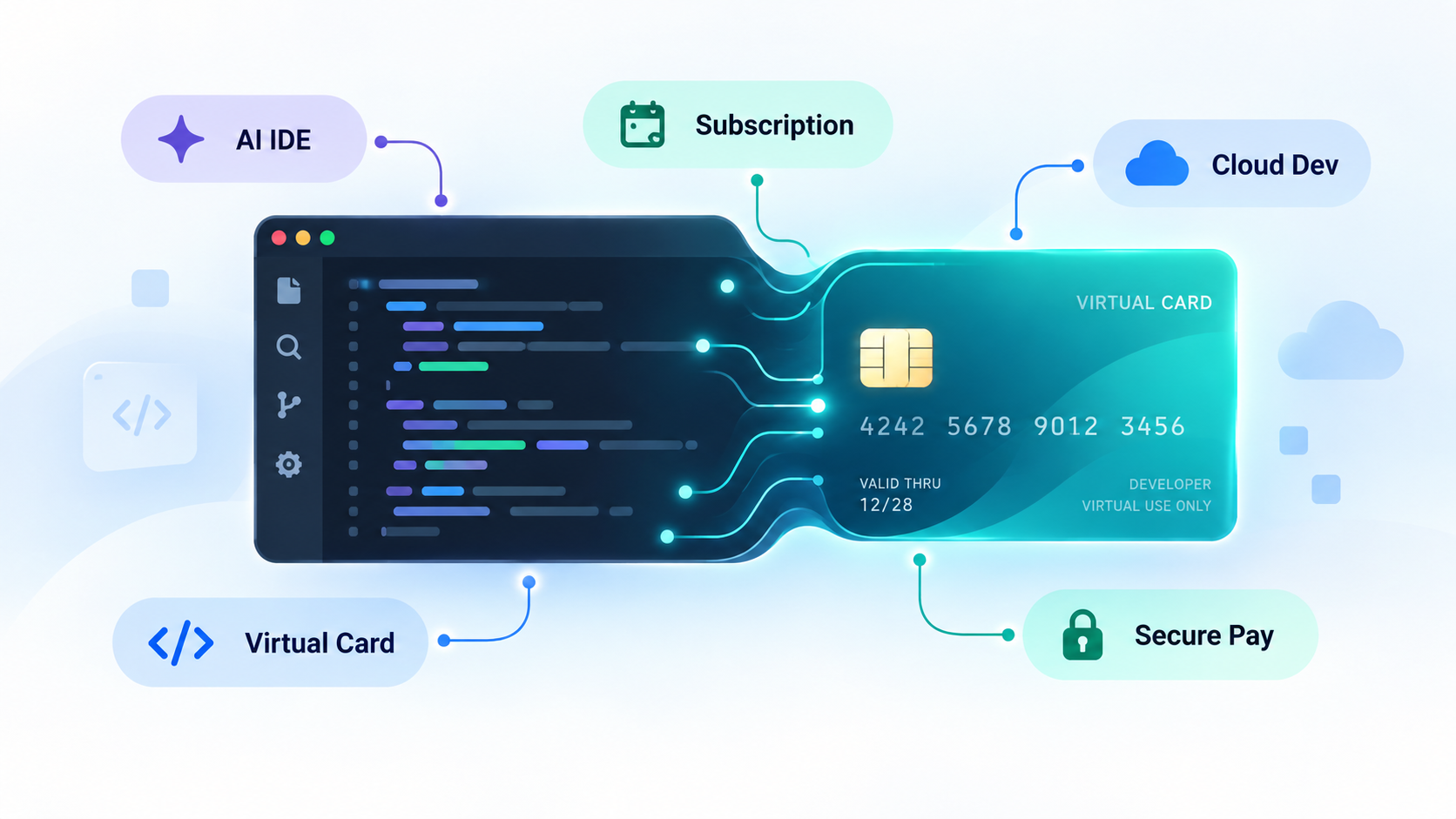
Kiro, AWS's spec-driven AI IDE, offers a perpetual Free tier with 50 credits and paid plans from Pro at $20/month up to Power at $200/month, with add-on credits at $0.04 each. Per the official billing docs (re-checked Sept 2026), subscriptions are charged in USD on the 1st of each month, and the checkout flow may trigger 3D-Secure authentication. The docs simply say "we accept all major credit and debit cards" — those two mechanics define what a workable card looks like.
Kiro publishes no virtual-card whitelist, and no card is 100% guaranteed: billing runs through the AWS/Stripe chain, and once a BIN gets flagged the charge declines. Based on publicly verifiable evidence, this guide sorts the common options into "documented successes", "usually rejected", and a low-risk fallback, then lists the binding rules that decide the outcome.
⚠️ Risk note: crypto-funded virtual cards are offshore financial products, unregulated in mainland China, with capital and account-ban risks. This is research material, not payment advice.
1. Three hard requirements from Kiro's billing chain
- USD charging + international recurring support — a Visa/Mastercard whose issuer supports international recurring charges; otherwise subscriptions fail silently, as the official troubleshooting page notes;
- 3DS support — the official "add payment method" flow explicitly includes a 3D-Secure step; cards without it error out at verification;
- BIN type and region match — checkout reads the issuing country from the BIN; unsupported-region BINs get vague declines, and the billing country must match the card.
2. Platforms with documented success
Fizen (Visa, USDT on Solana)
Fizen's official blog publishes a dedicated "How to Pay for Kiro with a USDT Card" tutorial (May 2026) — a vendor claim, not independent verification: standard Visa BIN, Solana-USDT funding, 3DS support. The same tutorial candidly notes merchant acceptance can change and no specific third-party payment is guaranteed.
- ✅ Standard Visa BIN processes like any Visa on Stripe-style checkouts; the vendor actively documents billing-region matching for Kiro;
- ⚠️ KYC applies in some regions; the BIN can still get flagged as risk databases update.
Roogoo (Visa, mainland-China ID accepted)
Roogoo's help center hosts an official "subscribing to AI services" guide recommending its US "Elite/Enjoy" cards (BIN 454924), with CN-ID KYC and USDT or assisted top-ups. Community reports confirm Kiro bindings, but with a meaningful failure rate.
- ✅ Open to mainland users, many funding channels, official anti-risk-control guidance;
- ⚠️ Prefer Credit-type BINs over Prepaid; one card, one account — sharing a card across accounts invites linked bans.
RDVCC (multi-BIN VCC, USDT)
RDVCC segments cards by scenario (US BINs recommended for AI/US Apple/ads; Mastercard for PayPal-type merchants) and says it partners with licensed upstream issuers across 100+ platforms. For AWS-billed subscriptions like Kiro you must pick a suitable Credit BIN — ordinary prepaid BINs are mostly rejected outright. See our full RDVCC review for fees and onboarding.
- ✅ Many BIN families plus a primary/backup two-card setup sharing one balance;
- ⚠️ A third-party service; the "99%+ success" figure is the platform's own claim; BIN selection costs trial and error.
3. Usually rejected — not recommended
- Cheap one-shot $0 cards (e.g. BIN 485954 family) — almost never pass Kiro; several resellers literally label them "no Kiro";
- Wise, N26 and European debit BINs — mixed user reports; AWS risk checks have a history of declining European debit BINs. Note Wise virtual cards also have regional eligibility (mainland-China addresses aren't in the self-serve list);
- Resold "Kiro-ready" card codes — BIN collisions and linked bans, no after-sales support.
4. Five binding rules that decide success
- Prefer Credit BINs — prepaid/debit BINs pass AWS/Stripe risk checks at visibly lower rates;
- 3DS is mandatory — the official flow includes 3D-Secure; cards without it fail at verification;
- Billing address = BIN region — never your home address in an unsupported country; checkout reads the country from the card;
- Match IP to BIN region; one card, one Kiro account — multi-account use of one card is a classic linked-ban trigger;
- Start with a small balance — on a decline, switch BIN/card instead of retrying the same card (repeated retries deepen the risk flag). First upgrades are prorated, so a small test charge verifies the card cheaply.
5. Fallback: pay directly with a mainland multi-currency credit card
Kiro accepts major credit cards and keeps expanding paid-region availability. If you already hold a full-currency Visa/Mastercard credit card with online cross-border payments enabled, try binding it directly first — no third-party card vendor involved, hence the lowest-risk path. The catch: some issuing banks block overseas Stripe/AWS charges, so confirm your bank's policy first.
FAQ
Which payment methods does Kiro officially support? The billing docs state "all major credit and debit cards, charged in USD, 3D-Secure where applicable" — no BIN whitelist and no official virtual-card partner.
Why did my card get declined? Per the official docs and community reports: paid plans not yet live in your region, unsupported issuing country, billing country mismatch, prepaid/debit BIN blocked by risk control, or missing 3DS. Check those five in order.
Can I just retry? No. Consecutive declines on the same card deepen the risk mark; the right move is switching BIN/card and re-checking billing region and IP.
Verified 2026-09-15. Kiro pricing per kiro.dev/pricing; card fees and BINs per each platform's live pages.