How to Pay for Grok 2026: Plans, Methods, Virtual Card Tips
- Filed
- Cross-Border Payments
- First run
- 2026-11-24
- Length
- 1780 words
Paying for Grok used to be a one-step decision: SuperGrok, thirty dollars a month, done. Then October 12 happened. xAI folded Grok, Cursor, and X into a single bundle called The X Subscription, stopped selling SuperGrok to new customers, and moved the billing home to grok.com/dashboard/billing. If you went looking for the old checkout this month and got lost, this guide maps the new terrain: what each plan costs, the three places you can actually pay, whether Alipay really works, why the API bill is separate, and how to keep a virtual card from getting declined. Every number here was checked against xAI's own pages on November 24, 2026.
What Grok costs in the new system
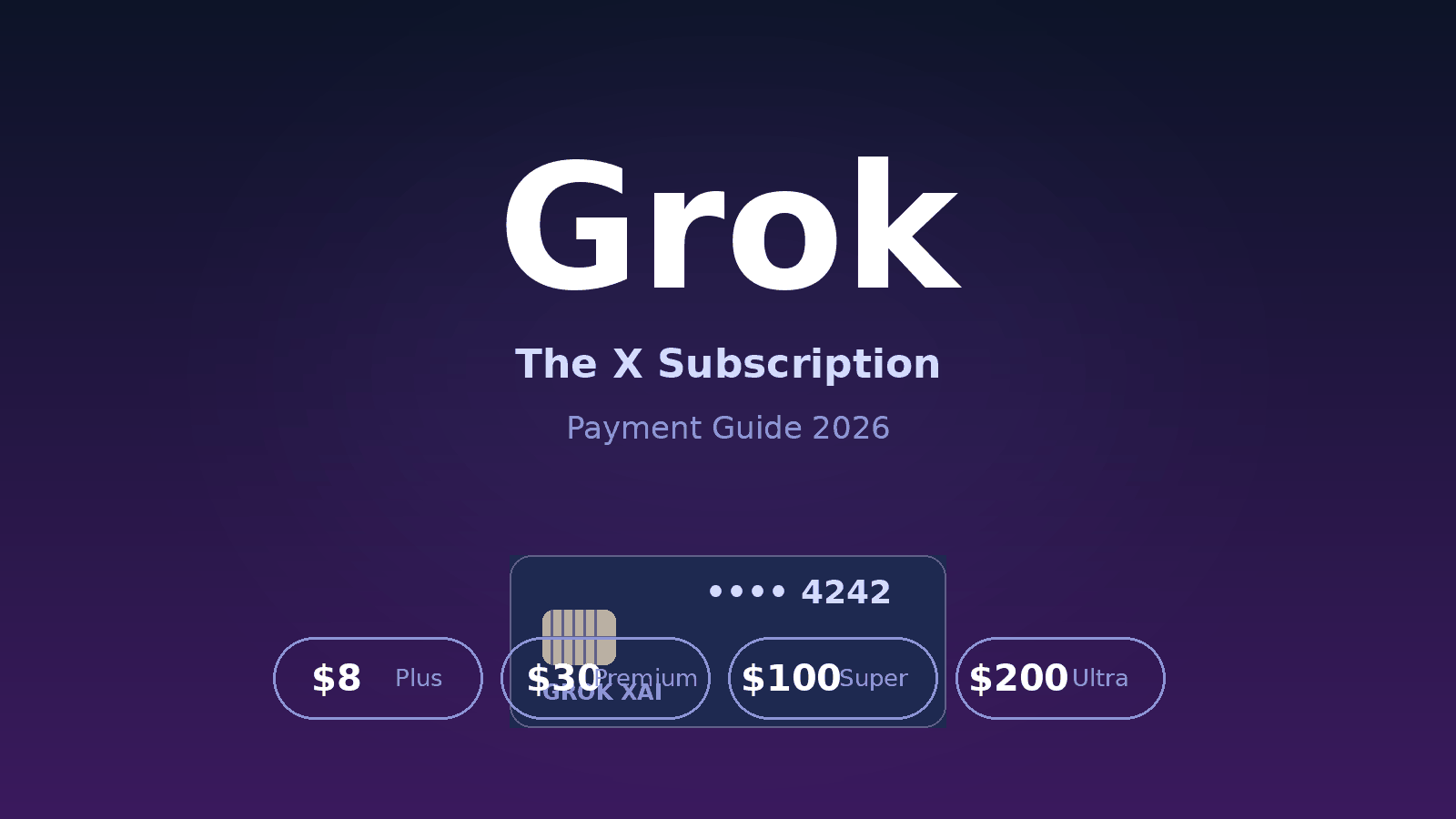
The X Subscription is one subscription covering three products. Grok and Cursor draw from a shared weekly usage pool, and X perks like the checkmark and reduced ads kick in once you link a personal X account. Five tiers for individuals, straight from x.ai/pricing:
- Free: $0, limited Grok chat and image generation
- Plus: $8/month, $80/year, the base usage pool
- Premium: $30/month, $300/year, 4x usage, Grok Bot, the newest models, and Imagine image and video generation
- Super: $100/month, $1,000/year, 15x usage with priority access at peak times
- Ultra: $200/month, $2,000/year, 50x usage and earliest access to new models
Yearly pricing works out to ten monthly payments across the board. That is a real discount if you already know the tool fits your workflow, but monthly first is the safer opening move when the whole structure changed weeks ago. Listed prices exclude sales tax; VAT gets added at checkout depending on where you are. xAI also reserves the right to change prices, so treat these figures as the November 24 snapshot, not a permanent contract.
The old world is still visible at the edges. SuperGrok ($30/month) no longer accepts new sign-ups, and existing subscribers keep their plan and price until they switch or cancel. X Premium+ sits in the same legacy bucket. If you hold an old X subscription and are weighing a move, our X Premium payment guide covers that side. One more thing: reports of a half-price first month for new subscribers circulate in user communities, but xAI does not promise it in its docs. If your checkout shows a discount, good. If not, that is normal too.
Three ways to pay, and they do not mix
Option 1: the web checkout on grok.com
Sign in with a browser, hit the upgrade prompt, and pay from the plans page. This is the full-featured route. The official payment methods doc lists five options: bank cards, Apple Pay, Google Pay, Link, and Alipay. Some methods only appear in certain countries, and the checkout page shows whichever ones your account can actually use. Missing an option is a regional matter, not a bug. After paying, everything lives at grok.com/dashboard/billing: plan changes, payment details, and an invoice tab where subscription charges and credit top-ups are listed separately and each invoice is downloadable.
Option 2: in-app purchases
New users with no existing paid subscription can subscribe inside the Grok, X, Grok Bot, or Cursor mobile apps. iPhone bills through the App Store, Android through Google Play. That changes more than the payment screen: pricing, charge timing, and refunds all belong to the store, and xAI explicitly does not handle refunds for store-bought subscriptions. Card updates happen in your Apple or Google account, not on the web form. Store fees usually push in-app prices at least level with web pricing, so the browser route is generally the better default.
Option 3: switching from a legacy plan
Already paying for Cursor, SuperGrok, or X Premium? Switching happens on the web only, the apps cannot do it yet. Three details matter before you commit. The switch is permanent and cannot be undone, not even by support, so settle on your tier first. If your old subscription was billed by Apple, switching does not cancel it; you have to unsubscribe in iOS Settings yourself or you will pay twice. And any unpaid invoice or past-due balance on the account blocks the switch until it is settled.
About Alipay: officially listed, unevenly available
Late October brought a wave of Chinese-language posts claiming Grok now accepts Alipay. The verified picture has two layers. xAI does list Alipay among web payment methods for The X Subscription. The same doc also says some methods are only available in certain countries, and the checkout page is the sole authority on what you get. So some accounts see the Alipay button and others do not, and both outcomes are expected behavior. If it shows up, use it and skip the foreign-card hassle entirely. If it does not, or the payment fails, fall back to a bank card. Two places where Alipay definitely plays no role: in-app purchases, which charge the store account, and API credit top-ups, which run on their own billing page.
The xAI API bill is separate from your subscription
Developers should keep two ledgers in mind. API usage on console.x.ai is prepaid and billed on its own, and your subscription's usage pool does not offset API costs; the two sit on different dashboard pages. Prepaid credits are, per the official wording, not refunded in principle, so size your top-up to realistic usage instead of padding it. Payment options on the console billing page govern themselves and are not the same set as the subscription checkout.
Paying with a virtual card
There are three common reasons to reach for a virtual card here: your checkout page offers no Alipay or other local method, your phone's store account has no card that can clear a USD charge, or you want all your AI subscriptions isolated on one dedicated card for budget control. At the web checkout, pick the bank card option and fill in the details.
Third-party walkthroughs describe the card form as follows: card number, expiry, CVC, country, address line, city, state (two-letter code), and postal code, plus a checkbox to set the card as the default payment method. No cardholder name field. The one discipline that matters: enter the billing address exactly as it appears on the card's own details page rather than inventing one from your physical location. xAI ties the billing address to your default payment method, and an address mismatch is a classic decline trigger. Saving a card authorizes future automatic charges, which is how renewals happen.
Balance discipline matters more than people expect. The advertised price excludes tax, so the checkout total is the real number your card must clear. Data published by virtual card issuers points to one dominant decline reason for Grok charges: not enough money on the card for that specific transaction, ahead of everything else including fraud filters. Keep the taxed total plus a little headroom on the card, top up a day or two before each renewal date, and you avoid most failures. Adding cards, changing the default, and removing old ones all happen under Payment details in the Billing & Invoices section.
When a charge does get declined, work the problem in order. Open your issuer's app first, because banks usually log the refusal with a reason: international payments disabled, 3D Secure verification pending, foreign-currency limit hit. Then retry the checkout in a private browser window. Whatever you do, do not hammer the retry button. Rapid repeated attempts on the same card worsen your risk profile, and X's purchase terms spell out the stakes plainly: if your payment method is declined, you must supply a new one or the subscription gets canceled. If a specific decline code keeps coming back, our Stripe decline code guide decodes the common ones.
Which tier is worth it
Casual question-and-answer use stays on Free until the limits annoy you. Plus at $8 fits people who chat and generate images regularly but never touch video or coding agents. Premium is the tier most people actually want, because Grok Bot, Imagine video, and the newest models all unlock here. Super and Ultra exist for heavy daily users; the usage multiples are real but the jump from $30 to $100 is a decision your actual weekly consumption should make, not the spec sheet. If you also use Cursor, note that the shared usage pool changes the math, and our Cursor payment guide breaks that down from the coding side.
Risks and limits
A few items for the decision list. Pricing and plan structure are still in flux; the whole system changed once in the last half year, so re-check the official page before committing to a yearly plan. Switching to The X Subscription is a one-way door and legacy plans are gone once you give them up. Paid plans open by region per xAI's own wording, and no card tricks around that. Gray-market top-up services and shared cards trade a small discount for losing control of the account and the refund rights. Virtual cards are a widely used, legitimate approach, but an occasional prepaid BIN getting blocked is normal; switch card segments instead of retrying in a loop.
FAQ
Can I still buy SuperGrok on its own?
No. New sign-ups go to The X Subscription, and Premium at $30/month is the closest equivalent, with Cursor usage and X perks included. Existing SuperGrok subscribers keep their terms until they switch or cancel.
Is the free Grok tier usable?
For light questions, yes. Limits are real though, and Grok Bot, Imagine video generation, and full access to the latest models all require a paid tier.
I already pay for X Premium+. Do I need to buy again?
No. Legacy subscriptions keep working, and migration is optional. Switch to Premium only if you want Grok Bot and higher usage, and remember the switch cannot be undone.
How much should I keep on a virtual card?
At least the checkout total including tax, plus roughly ten percent headroom. Subscriptions are recurring charges, so top up before each renewal date; issuer data shows insufficient balance is the top failure reason for Grok payments.
Can one card serve Grok and my other AI subscriptions?
It can, but that is asking for trouble. Multiple recurring charges on one card means a single failed renewal cascades. Split by purpose instead, and give each service its own card.
The charge succeeded but my plan did not upgrade. What now?
Check the Invoices tab first and confirm the invoice exists, then wait a few minutes and refresh. If it still has not applied, contact support with your account email, the charged amount, and the transaction ID. Do not subscribe again, or you risk paying twice.