 VirtualCardx
Free BIN Lookup: What It Can and Cannot Tell You
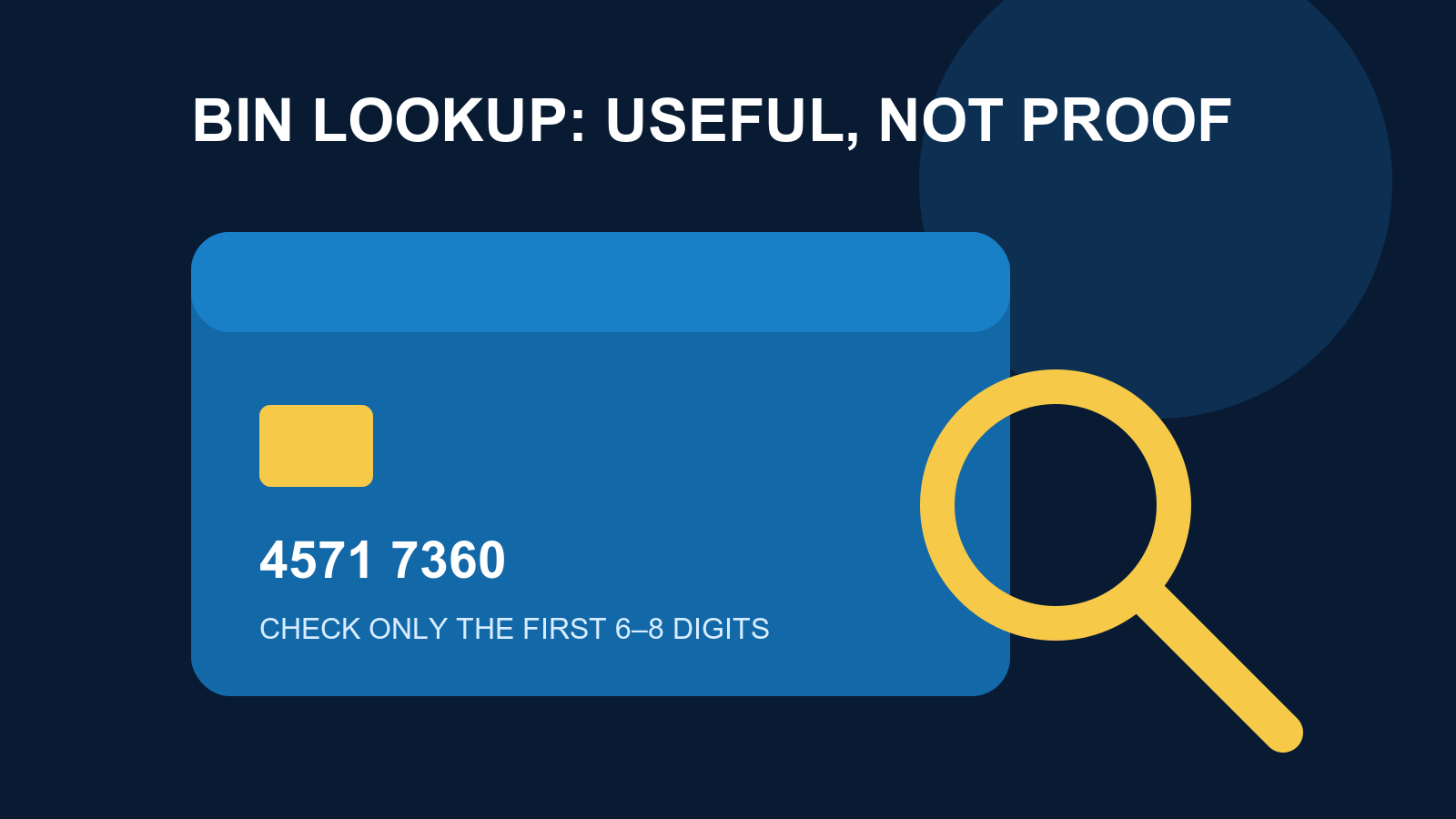
A card's opening digits can tell you something useful. They can also tempt people into pretending they know more than they do. A BIN or IIN lookup is a small verification tool: it may identify the payment network, a likely issuing country, and sometimes the issuer or card type. It cannot tell you whether a card will work at a particular merchant, whether there is money on it, or whether a virtual-card provider deserves your trust.
That distinction matters. Card discussions often jump from “this prefix is Visa” to “it will definitely pay for a subscription.” That is not how payment acceptance works. This guide explains what a free lookup can do, how to use one without exposing card data, and where the result stops being useful. Sources were checked on August 16, 2026.
Use only the first 6 to 8 digits
Start with the privacy rule, because it is the one people ignore. A public BIN lookup needs only a card prefix. Binlist's official site asks for the first 6 to 8 digits and shows fields such as the scheme, type, prepaid flag, country, and bank. It also says that fields can be null. Missing data is just missing data; it is not proof that a card is bad or fake.
Never submit a full card number, expiration date, CVV, one-time code, password, or identity document to a lookup site or a person offering to “check” a card. A lookup is not a payment verification service. If a physical card is lost, stolen, or shows unauthorized activity, contact the issuer through its official channel. Visa's consumer support guidance directs cardholders to their issuing financial institution for lost or stolen cards.
What a BIN lookup can actually help with
It can identify a likely card network and category
A lookup may return Visa, Mastercard, or another network, plus a broad card type such as debit, credit, or prepaid. That is useful context when you are trying to understand a declined subscription or a merchant's published payment policy. Some merchants treat prepaid cards differently. Others care about the network, billing address, or an authentication step. The lookup gives you a lead, not a verdict.
It also helps when a provider advertises several card products. Different prefixes can point to different programs or regions, even when the product name on the dashboard stays the same. You still need the provider's current terms and product documentation before drawing a conclusion.
It can support a basic issuer and country check
Public datasets often return a country and a bank name. That is handy for a simple consistency check. If a virtual-card service describes its product one way but the public record points somewhere else, treat the mismatch as a question worth asking, not as an automatic accusation. Data can be old, programs can change, and free databases do not promise complete coverage.
For a broader look at card products, fees, and stated use cases, see our 2026 virtual credit card comparison. The important part is the method: compare a public prefix result with the provider's fee page, eligibility rules, and support channel. One database result should never carry the whole review.
It keeps technical tickets from spreading sensitive data
A support or engineering team may need to discuss the general type of card involved in a payment issue. The first 6 to 8 digits are usually enough for that conversation. There is no good reason to paste a complete PAN into a ticket, a group chat, or a screenshot. Access controls and your own data-handling policy still apply, of course. “We were troubleshooting” is a poor explanation after a card-data leak.
How to use Binlist responsibly
Binlist offers a web lookup and documents a HTTPS API example on its official site. The web page is fine for an occasional manual check. If you are building a product, read the service's current limits and data notes first. A free endpoint is not a real-time, unlimited commercial database, and it should not become a hidden dependency for a checkout flow.
- Keep only the first 6 to 8 digits of the number. Do not copy the rest.
- Open Binlist's official site and check the domain before entering the prefix.
- Read the returned scheme, type, prepaid flag, country, and bank fields. Note empty fields rather than inventing an answer for them.
- Check any important claim against the card provider's own current documentation.
Binlist's published API example uses HTTPS and an Accept-Version: 3 header:
curl -H "Accept-Version: 3" https://lookup.binlist.net/45717360
That prefix is the example on Binlist's own page. It demonstrates request format only. It is not a card to test, charge, validate, or repeatedly query. Do not send payment information from a browser directly to a third-party API, and do not turn a lookup result into a promise that an issuer has made.
Why a match does not mean payment success
This is where most bad advice starts. “The lookup says Visa, so it will work for this SaaS product” skips nearly every meaningful part of a transaction. A merchant can assess available funds, currency, card region, billing-address verification, transaction limits, one-time-password or 3DS requirements, device signals, and its own fraud rules. The issuing side may apply another set of controls. A virtual-card provider can also change card programs without changing the marketing copy you saw last month.
The reverse mistake is just as common. A prepaid result does not prove that every merchant will decline the card. Acceptance rules vary by merchant and can change. For a card you legitimately hold, the reliable path is the provider's current documentation and a compliant, low-value test where appropriate. Do not try to bypass merchant restrictions, generate numbers from a prefix, or use anybody else's card details.
How to use BIN data in a card review
Good reviews do not count prefixes and call it due diligence. Start with the company identity, supported countries, onboarding requirements, fee disclosures, funding method, transaction restrictions, and support options. Then use a public BIN lookup as a modest cross-check against the stated card network or issuing region.
That order matters because a nice-looking prefix cannot protect funds. A provider with unclear terms, weak support, or unexplained withdrawal problems is still a risk regardless of what a lookup returns. If sources conflict, say so. Mark the point as unverified until the provider or issuer gives a current answer. It is far better than turning a shaky data point into marketing copy.
Choosing Between the Two Free Data Sources: Binlist vs HandyAPI
Binlist is not the only option. The two publicly available choices today are the official Binlist endpoint and its commercial successor, HandyAPI (data.handyapi.com). We queried both with the same Visa debit BIN (45717360, Binlist's own public example). Here is what each returned, checked on 2026-09-05:
| Field | Binlist (free endpoint) | HandyAPI (free tier) |
|---|---|---|
| Scheme | visa | VISA |
| Type | debit | DEBIT |
| Card product/tier | Visa Classic/Dankort | DANKORT (CardTier field) |
| Country | Denmark (alpha2=DK) | Denmark (A2/A3/N3/ISD codes) |
| Issuer | Jyske Bank A/S | JYSKE BANK |
| Extra fields | country currency, lat/long, emoji | Luhn flag, international dialing code |
| Auth | no key, Accept-Version header | API key (free tier quota) |
How to choose: for occasional manual checks, the Binlist web page is enough. Register for HandyAPI's free tier only when you need to embed lookups in an automated workflow or want fields like the Luhn flag. Both are "issuer range" databases with slightly different field conventions — when cross-checking, treat the official documentation as authoritative.
What BIN Ranges Look Like on Real Virtual Card Platforms
When we review virtual card platforms, we check where their commonly issued BINs sit in public databases. A few observations (data checked 2026-09-05):
- Roogoo: the 531993 range recorded on our sister directory resolves to the Mastercard network in public BIN databases, consistent with the platform's advertised Mastercard product — a useful secondary check (VCCDir BIN record page).
- Multiple BINs per brand: platforms such as 79card and Wirego issue cards across several BIN ranges over time (for example 559268, 532410 alongside 532959, 527375). That is the normal signature of a platform switching partner issuers, not a sign that the products differ fundamentally.
- Cross-border payment platforms: for account-first platforms like WorldFirst and LianLian, cards are one product line among many. A BIN registered in Hong Kong, Singapore or the US tells you where the issuing partner sits — not where the platform operates, and not which regulator protects your balance. Keep those three questions separate.
The practical takeaway: when you receive a new card, check the BIN first to see whether the network and country match what the platform advertises. If something clearly contradicts (an advertised "US card" that resolves elsewhere), put it on your verify-first list and ask the platform for a written answer.
High-Risk BIN Patterns and How to Spot Them
Public BIN data has one more use: flagging elevated risk. The virtual card industry is mixed, and these patterns deserve suspicion:
- Non-bank BINs: a legitimate virtual card is issued either by a licensed bank/e-money institution (the BIN resolves to a licensed entity) or clearly labeled as a tech partner of one. If the "issuer" in the database is a shell company with no regulatory footprint, risk rises sharply.
- Constant BIN rotation: a platform that swaps its entire BIN range every few weeks is usually losing upstream issuing partners to risk control or terminations. Occasional rotation is normal; high-frequency rotation is a red flag.
- Ranges with chargeback history: merchant-side risk engines (Stripe, Adyen and peers) blacklist BIN ranges with poor chargeback records. If a card repeatedly fails to attach at a class of merchants, the problem may be the range's history rather than your card.
The reverse also holds: a BIN range is not good or evil by itself. The same range can back a legitimate product from one platform and a gray-market use rented by another. What decides it is whether the issuing entity is licensed, terms are transparent, and support is reachable — the BIN only tells you who the issuing partner is.
What to Do When Lookup Results Contradict Platform Claims
Work through mismatches in this order:
- Re-run the lookup on a second source (query HandyAPI after Binlist) to rule out a stale single database.
- Preserve evidence: screenshot the date, the prefix you entered and the returned fields, and note the data source.
- Ask the platform through official support (not a sales rep) for the current issuing partner and network of the product. Established platforms answer plainly; evasion or "it depends on the card you get" is itself a signal.
- Cap your exposure: if the card is already funded and the contradiction stands, keep balances small, keep receipts and chat logs, and escalate through the payment rail's dispute channel if needed.
Our platform risk profiles (for example the LianLian provider record) follow exactly this structure: BIN data is one small section, while licensing, fee transparency and support responsiveness carry the weight.
FAQ
Are BIN, IIN, and card prefix the same thing?
In ordinary conversation, people often use them interchangeably. A card prefix means the starting digits used to identify an issuing range. Services may call it a BIN or IIN. Follow the service's instruction and enter only the first 6 to 8 digits.
Why are some fields missing from a free lookup?
Coverage varies, issuers update programs, and public databases have gaps. Binlist states that fields may be null. An empty field does not establish that the card is inactive or unsafe.
Can a lookup reveal the cardholder, balance, or transaction history?
No. A public prefix lookup is not supposed to reveal any of that information. Treat a service claiming otherwise as a warning sign.
What should I do when a result conflicts with a provider's claim?
Do not repeat either claim as confirmed. Record the date and result, then ask the provider for current product documentation. For a security or funds issue, contact the issuer or the payment network's official support route.
Sources checked
- Binlist.net official site and API example, checked August 16, 2026.
- Visa Consumer Support: Lost or Stolen Card, checked August 16, 2026.
A BIN lookup is useful precisely because it is narrow. Use it to ask a better question. Do not use it to manufacture certainty about a payment, a provider, or somebody else's card.
Cross-check the index
This article covers the lookup method and the risk judgement; the ownership and status of individual card ranges (BINs) are recorded in the BIN (card-number) index.