 VirtualCardx
How to Pay for Telegram Premium in 2026: Channel Pricing, Virtual Cards, and the Stars/Boost Traps
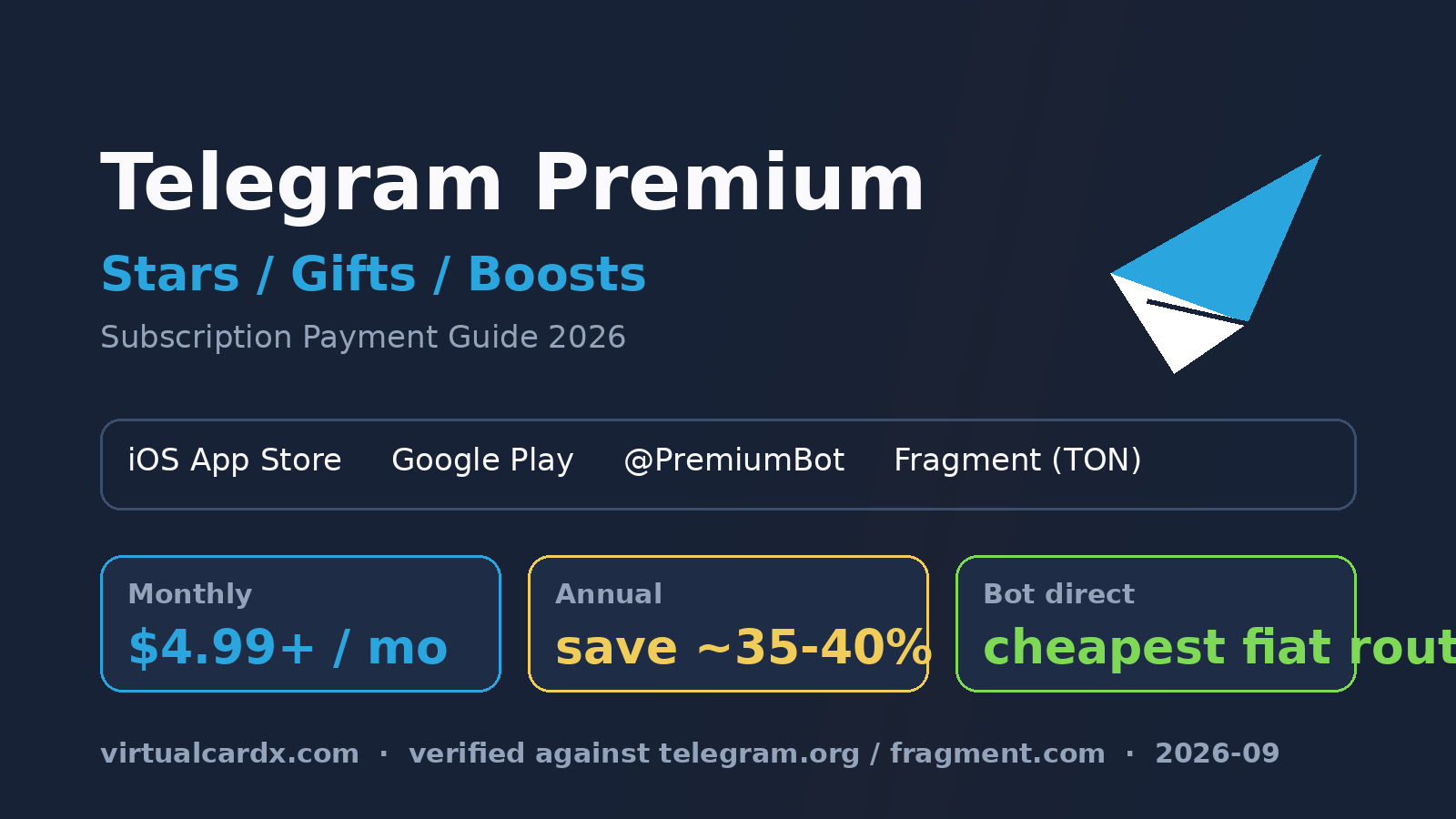
Start with the part nobody reads: Telegram never touches your card
The official Telegram Premium FAQ has a privacy section that most people skip. It says, in plain terms, that Telegram does not store your credit card information. Every Premium payment runs through a third party: the App Store, Google Play, or whichever payment provider sits behind @PremiumBot. Your card details never reach Telegram's servers (verified 2026-09-25).
That cuts both ways. The good part is privacy. The annoying part is billing: when a charge fails or you need a refund, Telegram support can't help you. You'll be arguing with Apple, Google, or the bot's payment processor instead. So before arguing about which card to use, it's worth understanding which channel you're in, because the channel decides who owns your billing problem.
Four official ways to buy, four different price mechanics
The same monthly subscription can vary by 30% or more depending on where you buy it. Telegram's FAQ confirms the bot route is discounted (no Apple/Google fees baked in) and that pricing is regional, but the company publishes no single global price sheet — in-app prices float with store pricing per country. Here's how the channels actually differ. Treat any dollar figure below as a reference point, not gospel; the number in your client at checkout is the one that counts.
| Channel | Entry point | Billing mechanics | Best for |
|---|---|---|---|
| iOS App Store | Settings → Telegram Premium | Apple's 30% cut on digital subscriptions; monthly price is the highest in most regions; renews against your Apple ID payment method | People who already have a foreign Apple ID with a working card |
| Google Play | Settings → Telegram Premium | Google billing with regional pricing; renewal depends on your Google payment profile staying valid | Android users outside mainland-China Play accounts |
| @PremiumBot | Search @PremiumBot inside Telegram | Officially discounted per the FAQ — no store fees; supports 3/6/12-month prepaid terms | Most people paying by card who want the cheaper fiat route |
| Fragment | fragment.com/premium | Crypto wallet checkout (TON ecosystem), USD-denominated, settled on-chain; no bank card involved | Stablecoin holders who'd rather not expose card details at all |
One access restriction trips people up constantly: the FAQ notes that @PremiumBot is currently reachable only from Telegram's directly distributed clients — the Android APK from telegram.org, Desktop, and macOS builds. If you're on the iOS App Store version, the bot's payment flow generally won't open. Want the bot discount? Install the desktop app first and log in with the same account.
Gifts deserve a separate warning. Subscriptions you buy for yourself enjoy regional pricing; subscriptions you gift use the global rate, per the FAQ, so they work across countries. Gifting a 12-month plan to a friend in a low-price region can cost you roughly double what they'd pay subscribing locally. Channel owners running giveaways math this wrong all the time.
The in-app purchase route: the Apple tax, and what breaks
Why iOS is the most expensive option
Apple takes 30% on digital subscriptions, and Telegram's answer is to price the iOS in-app tier higher. Third-party price trackers put the US monthly reference somewhere between $4.99 and $5.99, with annual plans roughly $35.99–59.90 — the spread exists because Apple adjusts store pricing over time and Telegram's tiers follow. Fine as a ballpark; check the client before budgeting.
A checklist for binding a virtual card to Apple ID or Google Pay
Here's the thing about in-app purchases: you're not entering a card "in Telegram." You're attaching it to your Apple ID or Google payments profile, and that's where virtual cards live or die.
- Billing address consistency. The card's billing address, your Apple ID / Google account region, and the store's pricing region should line up. A US Apple ID with a card billed in Singapore can get rejected at the binding step outright.
- Pre-authorization. Apple and Google typically fire a $0–1 pre-auth to validate the card. Some prepaid virtual cards don't support pre-auths at all, which kills the binding before you ever reach the subscription screen. Check this when opening the card, not after.
- 3-D Secure. Some issuers force 3DS on card-not-present charges. The store's card-binding page handles 3DS popups inconsistently. Cards that verify inside the issuer's own app, or that don't force 3DS, cause far fewer headaches.
- What a failed renewal really costs. The subscription is a recurring charge on the store side. If your virtual card runs dry or gets frozen, the store retries, the sub downgrades, and an unpaid balance can sit on your store account — blocking every subscription on it, not just Telegram's.
- Refunds go to the store. App Store refunds live at Apple's reportaproblem page; Google Play refunds in the Play order history. Telegram support will correctly send you there. The FAQ's cancellation section spells this out.
The @PremiumBot route: the discount, done properly
The FAQ's own wording: subscribing via the bot gives a discounted price, because the payments aren't subject to Apple or Google fees. Monthly, 6-month, and 12-month terms are available, and the 12-month term has the lowest effective monthly cost. Third-party comparisons put the bot's effective monthly rate around $3.2–3.9 versus the highest in-app tiers — up to 35–40% savings on the annual term, though again, the bot's live quote is the real number.
The flow: open @PremiumBot on Desktop or the direct Android build → pick a term → a payment form appears → choose Visa/Mastercard → you land on the processor's hosted checkout page. Under the hood this is a completely standard card-not-present acquisition, which is exactly why virtual cards work fine here — with one less platform skimming a cut than the store route.
Three things to keep in mind with a virtual card on the bot:
- Buyout terms exist. The bot sells one-time prepaid periods. Buy 12 months, let it lapse, and there's nothing to cancel — ideal if you'd rather not leave a working card on file.
- Don't hammer retry. Payment processors are twitchy about repeated failed attempts from the same card. One failure, pause, verify the card status, then retry. Three rapid-fire attempts is how you trip a risk flag.
- BIN matters. Acquirers treat card BINs differently. Card platforms usually tag which BINs are "subscription-friendly." Look for that tag before committing a card to a 12-month prepay, or test the same card on a small merchant charge first.
The Fragment route: crypto wallet checkout
Fragment is Telegram's associated marketplace, and its Premium page sells subscriptions for yourself or others, plus bulk giveaway prebuys for channel owners, paid from a TON-connected wallet. Prices are denominated in USD and converted to the on-chain asset at the live rate.
What defines this route:
- No bank card anywhere in the loop. No billing address, no 3DS, no store account. The entire question of "will my card bind" simply evaporates.
- USD-anchored but paid in crypto. The sticker is in dollars; what leaves your wallet floats with the TON market. In a volatile week your real cost drifts from the label.
- Gas and minimums. Keep network fees on top of the item price in the wallet, and if you're new to TON, factor the exchange withdrawal minimum and settlement time into your plan.
For someone already holding stablecoins, Fragment is usually the lowest-friction path. But buying crypto for the sole purpose of one Premium payment? The exchange, withdrawal, and gas costs will eat the channel savings. Just use the bot with a card.
Stars, Boosts, and Gifts: three traps that look alike
Stars cannot pay for Premium
Stars are Telegram's in-app spending currency — tips, paid media, Mini App purchases. App-store pricing lands around $0.02 per Star; Fragment sells them closer to $0.013–0.015. Third-party services love implying you can "subscribe with Stars." You can't, not directly: Stars and Premium are separate products with separate checkouts, and neither the Fragment Premium page nor @PremiumBot accepts a Stars balance for a subscription. The only real overlap is that both can be bought with crypto on Fragment, dodging the store markup.
Boosts belong to channels, not to you
Every Premium subscriber carries boost slots they can assign to channels and groups. Channels level up on accumulated boosts, unlocking daily story slots, custom reactions, and customization. Because gifting a Premium returns assignable boost slots to the sender — the FAQ documents this mechanic — a channel owner who buys Premium and gifts subscriptions can bootstrap their own channel's level cheaply. As growth tactics go, it's honest and far cheaper than ads.
Gifts bill at the global rate
Covered above, but it bears repeating in the decision context: no regional discount on gifts. Have the recipient check their local bot price before you send anything.
Cancellations and refunds: the channel decides the process
The FAQ's cancellation terms split cleanly by channel, and the details matter more than you'd expect:
- Subscribed via App Store / Google Play? Cancel in Apple's or Google's subscription settings. Uninstalling Telegram does nothing. Deleting your Telegram account doesn't stop the store's recurring charge — the FAQ says this explicitly, and people learn it the hard way every month.
- Subscribed via @PremiumBot? The recurring charge belongs to the bot's processor. Deleting your Telegram account does terminate future charges (the bot can't bill an account that no longer exists), but the paid-through period isn't refunded.
- Bought on Fragment? One-time payment. It expires, full stop. There is nothing to forget to cancel.
For virtual card users this is the strongest argument for prepaid terms: a buyout can't surprise you three months later, whereas an in-app sub attached to a store account can leave an unpaid balance trailing behind it.
A decision tree for virtual card users
Compressing all of the above:
- Foreign Apple ID / Google account already set up and binding works → in-app is the most convenient and the most expensive. Fine if convenience wins; don't force it to save money.
- Desktop or direct-build Telegram + a subscription-capable virtual card → @PremiumBot on the 12-month term. Best fiat route, discounted, and prepaid.
- Already holding stablecoins → Fragment. Sidesteps every card verification question; watch the exchange-rate drift.
- Just trying to level up a channel → one Premium for yourself, gifts for boost slots. Cheaper and rule-compliant versus third-party boost sellers.
Whatever you pick, do two things after the first payment: confirm the subscription status and expiry under Settings → Telegram Premium, and set a billing reminder on the charge channel — or, for prepaid terms, confirm no recurring charge exists. Subscription problems never happen at checkout. They happen three months later, when you've forgotten the thing exists.
Risks and limitations
- All prices here are mechanics plus third-party reference ranges. Telegram's pricing varies by region, store adjustments, and exchange rates; verify against the live quote in your client before paying (official sources checked 2026-09-25).
- Third-party resellers and shared-account "cheap Premium" services are outside official channels. Account and fund loss is on you; nothing here is a recommendation.
- Binding virtual cards to Apple ID or Google accounts is subject to those stores' terms. Billing-address or card-status failures are disputes between you, the store, and the issuer — Telegram does not handle them.
- Crypto checkout amounts settle at the rate at confirmation time; expect slippage in volatile markets.
FAQ
Can I pay for Telegram Premium with a virtual card?
Yes. @PremiumBot's checkout accepts standard Visa/Mastercard acquiring, so any virtual card that supports online charges works. The in-app route adds a precondition: the card must first bind successfully to your Apple ID or Google payment profile. The bot is generally the more forgiving path.
Which channel is cheapest?
Usually @PremiumBot's 12-month term — the FAQ confirms the bot discount, and iOS is the priciest in most regions because of Apple's cut. Fragment is USD-anchored; whether it beats the bot depends on your crypto acquisition costs.
The bot's payment won't open on my iPhone. Now what?
Per the FAQ, @PremiumBot payments only work from directly distributed clients: the Android APK from telegram.org, Desktop, or the macOS app. Log into one of those with the same account and retry.
Can Stars buy Premium?
Not directly. Stars cover tips, paid content, and Mini App purchases; Premium is bought through stores, the bot, or Fragment. Different products, different checkouts.
If I cancel, do charges stop?
Depends on the channel. In-app subscriptions must be canceled with Apple or Google — deleting the app or even your Telegram account won't do it. Bot subscriptions are managed in the bot, or expire at term end if prepaid. Fragment purchases are one-time payments with nothing to cancel.
Gift versus letting them subscribe locally — which is cheaper?
Gifts use the global rate; self-subscriptions get regional pricing. In lower-priced regions, subscribing locally is often cheaper than receiving your gift. Ask them to check their local bot price first.
Related reading: paying for Notion with a virtual card, Midjourney subscriptions and decline troubleshooting, and X Premium payment options. For keeping a pile of subscriptions under control, see pairing a password manager with virtual cards.