 VirtualCardx
How to Use LinkedIn for B2B Client Development
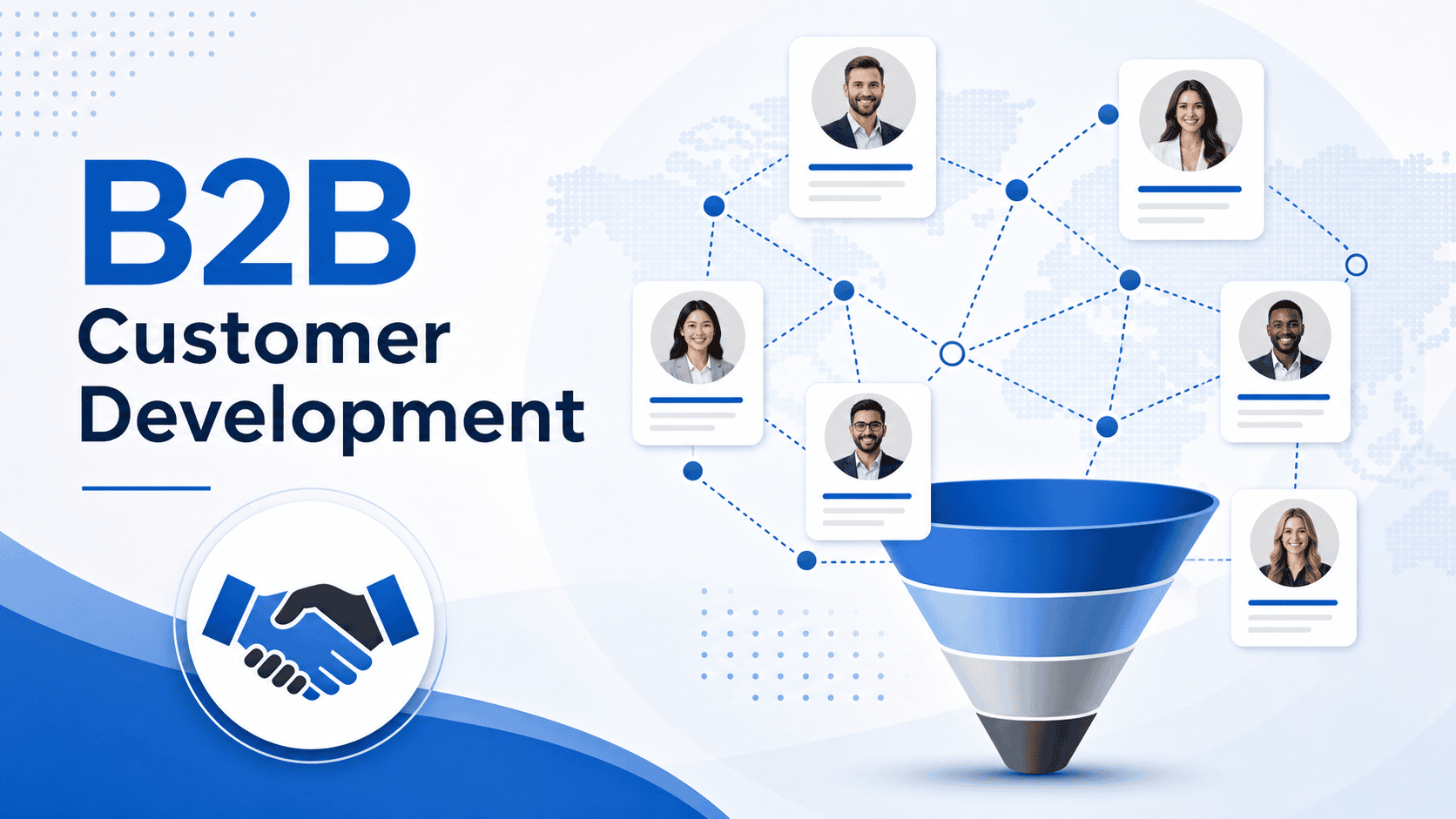
Verification note (September 2026): The reply rates, acceptance rates, and deal value below are anecdotes, not LinkedIn benchmarks. Sales Navigator features, limits, and availability are governed by the subscription surface and account prompts; use manual, relevant, personalized outreach and avoid automated bulk invitations or unsolicited marketing. LinkedIn Professional Community Policies
Last Month, I Closed 3 Cross-Border B2B Enterprise Clients Through LinkedIn
Last month, my team directly closed 3 B2B orders for cross-border SaaS tools through LinkedIn, totaling over $40,000. Many people in foreign trade complain that traditional mass email reply rates are below 1% - but they're missing the point: LinkedIn stopped being a pure job-hunting platform long ago. It's currently the highest-converting B2B client development channel. Today I'm breaking down the precise LinkedIn lead-generation process I've got working, step by step.
Why B2B Acquisition Must Use LinkedIn
In cross-border B2B, I ran a comparison: for the same new-client development, traditional cold email opens around 20%, but real reply rates are often just 0.5%-1%; with LinkedIn InMail plus targeted connection requests, my acceptance rate holds steady at 25%-30%, and overall reply rates reach 8%-12%.
The reason is simple: inboxes are full of spam, but LinkedIn users have professionally verified identities. When a prospect sees a relevant job title, their guard drops significantly.
A Hands-On Guide to LinkedIn B2B Client Development from Zero
Step 1: Turn Your Profile into a High-Converting "Landing Page"
Many people start adding contacts the moment they register - that's a big mistake. When a prospect opens your profile, the first 5 seconds decide whether they'll engage. Optimize your Profile the way you'd optimize an independent site.
- Background image: don't use the default blue. Use an image that shows your business or team strength - ours shows a global payment gateway network topology and a wall of partner logos.
- Headline: drop filler like "Sales Manager at XXX". Use the "value formula": help [specific target client] achieve [specific benefit] through [your product/service]. Mine reads: "Helping Cross-border E-commerce Brands Streamline Global Payments" - when prospects search related keywords, I rank first.
- About section: write in first person, state directly what problems you solve, and include a Calendly link prospects can use to book a call.
Step 2: Precision Search with Sales Navigator
Free LinkedIn search is limited. For LinkedIn client development, I strongly recommend subscribing to Premium or Sales Navigator. Here's a Boolean Search trick I use often.
Enter this in the search box: (CEO OR Founder OR "Director of Sales") AND ("E-commerce" OR "SaaS") NOT (Recruiter OR HR)
This query precisely filters out irrelevant HR and recruiters and lands directly on decision-makers in e-commerce or SaaS. Combined with location and company-size filters, you get an extremely accurate list of high-quality prospects.
Author's note: subscribing to overseas software often hits the wall of declined domestic credit cards. I usually review a few virtual credit cards on virtualcardx.com specifically for subscribing to overseas SaaS tools - not only does Sales Navigator go through smoothly, it also reduces privacy leaks and card fraud risk. This is essential infrastructure for cross-border business.
Step 3: Ice-Breaker Scripts That Don't Annoy
Never lead with a product quote sheet right after connecting - ban rate is sky-high and conversion is zero. I've tested dozens of scripts, and the highest reply rate is the "three-step" strategy:
- First interaction: no long messages. Like a recent post of theirs, or send: "Hi [Name], saw your post about [Topic], really insightful point about [Detail]!" (Pure appreciation, no selling.)
- Second interaction (1-2 days later): share a report or tool useful to their industry. E.g.: "Hi [Name], since we both focus on the EU market, thought you might find this payment compliance report useful."
- Third interaction (tentative conversion): now bring up your core business: "Curious if you're currently exploring ways to lower your cross-border transaction fees? If so, I'd love to share how we helped [Competitor/Peer Brand] cut costs by 15%."
Attract "Walking-In" Clients Through Content Marketing
Beyond proactive outreach, the most advanced form of foreign-trade client development on LinkedIn is inbound (clients coming to you). B2B purchasing cycles are long; clients need trust.
I post 3 times a week on LinkedIn, in three formats:
- Industry pain-point breakdowns (40%): e.g., analyzing "why Southeast Asian buyers have high credit card chargeback rates" - showcasing expertise.
- Real case reviews (40%): with sensitive data removed, sharing how we helped a Middle Eastern e-commerce company solve local payment gateway integration, with real backend data charts.
- Company life and personal thoughts (20%): photos of team meetings and overseas trade shows. B2B is ultimately people-to-people business; authenticity closes the trust gap fast.
Summary and Action Plan
LinkedIn B2B client development isn't magic - it's a replicable SOP: polish your profile -> find the right people with advanced search -> build trust with staged scripts -> sustain visibility with content.
If you're starting today, two practical tips: first, add only 5-10 precise prospects per day - don't be greedy; spend the time studying their profiles and crafting personalized ice-breakers. Second, sharpen your tools first - get a reliable virtual card (pick one on virtualcardx.com as needed) and open Sales Navigator; your acquisition efficiency will improve tenfold. Get moving, and next month tell me how many high-quality inquiries you received.