 VirtualCardx
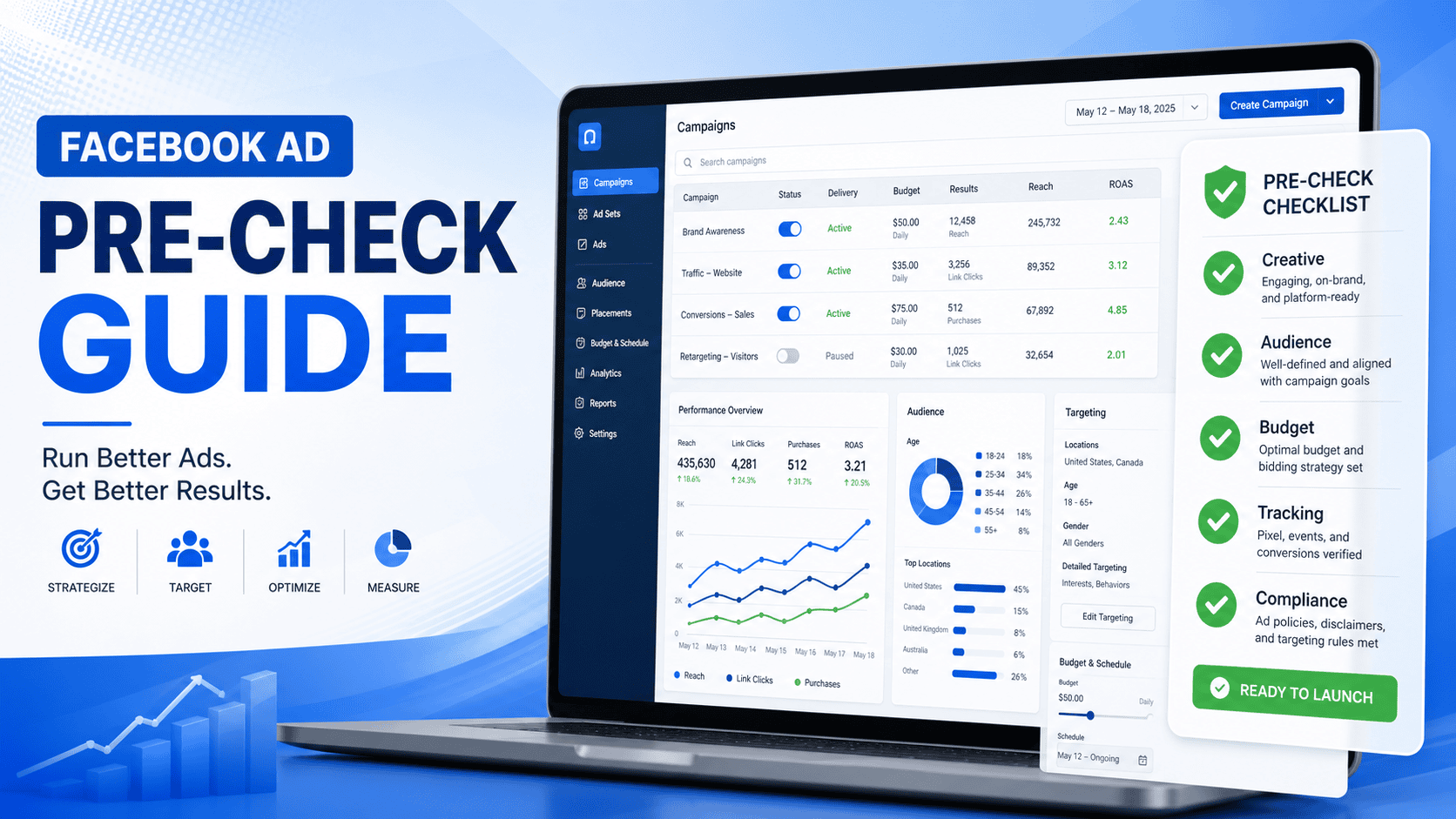
Facebook Ads Pre-Launch Checklist: Avoid Bans and Waste
Verification note (September 2026): Meta does not publish an IP, card, or creative combination that guarantees an account will not be restricted. The percentages and “instant ban” claims below are not policy conclusions. Use a real entity and stable, verifiable login and billing details; address notices in Ads Manager Account Quality, Payment settings, and policy surfaces rather than using proxies, fingerprints, or cards to evade review. Meta monetization policies
Don't Let Your Ad Budget Go Up in Smoke: Basic Checks Before Launching Facebook Ads
登录、企业资料和支付资料应真实、一致且可验证;不要以代理、设备伪装或频繁更换支付资料来规避审核。
2. BM (Business Manager) and Personal Account Status
Log into the BM dashboard and focus on two things:
- Security checks and verification: make sure your BM has completed business verification and shows no red restriction warnings.
- Domain and attribution settings: check that your landing page domain is correctly bound and verified. Many people switch to a new domain but forget to re-verify it in BM, so ads run without tracking conversions.
2. Payment Methods and the Money Pipeline (Your Lifeline)
Failed charges are the #1 cause of interrupted ad delivery and even "abnormal payment method" bans. As someone who has reviewed tons of cross-border payment tools on virtualcardx.com, I've stepped on every rake in this area. Facebook's payment risk control is extremely harsh.
1. Choosing and Risk-Managing Virtual Credit Cards (VCC)
Physical cards are stable, but issuance takes time and a leaked primary card is a huge risk. For Facebook ads now, my main tool is virtual credit cards (VCC).
- BIN matching: a detail many overlook. If your ad account is US-based, the BIN (issuer identification number) of your bound card should ideally be US-based too. Cross-region binding (e.g., a US account with a Philippine-issued VCC) easily triggers suspicious payment verification.
- Pre-authorization test: Facebook runs a small pre-authorization charge (usually under $1) when you bind a card. Make sure your chosen virtual card has at least $2-5 of balance. My usual practice: pick a VCC on virtualcardx.com that supports custom billing addresses and zero issuance fees, top up $10 for a test, and only scale the budget after it works.
2. Billing Address Consistency
The billing address you enter in the Facebook ad dashboard must exactly match the billing address used when the virtual card was issued. Even a difference in house number or abbreviation (St. vs Street) can be blocked by risk controls.
3. Landing Pages and Tracking Pixels (Your Conversion Engine)
If ads get clicks but the landing page can't convert, or data doesn't come back, Facebook's algorithm concludes your site experience is terrible and raises your CPM (cost per mille).
1. Domain Health and Compliance
- HTTPS encryption: http sites without an SSL certificate are now directly flagged "unsafe" by Facebook and will likely fail review.
- Policy page completeness: check whether the site footer has real, clickable About Us, Privacy Policy, Shipping Policy, and Refund Policy pages. Shell pages with no substance are prime targets for e-commerce policy violation strikes.
2. Pixel and CAPI (Conversions API) Dual Verification
Since Apple's iOS 14.5 privacy update, a bare Pixel loses roughly 30%-40% of its event data. Before every campaign, I always test with Chrome's Meta Pixel Helper extension to confirm web events fire correctly.
More importantly, configure CAPI. Based on my actual data, campaigns running both Pixel and CAPI in parallel have about 15% lower cost per purchase (CPA) than Pixel-only campaigns. The more accurate your data return, the better Facebook's ML models find the right people for you.
4. Ad Creative and Copy Red Lines
Last step: check the creatives users will see. Facebook's AI image recognition is aggressive these days - don't test its limits.
- "Before/After comparison images" are forbidden: for weight loss, beauty, and whitening products, absolutely no Before & After comparison images. That's black-hat playbook; legitimate e-commerce using them gets rejected 100% of the time.
- Beware of over-promise wording: avoid extreme claims in copy like “100% guarantee”, ”Cure”, and ”Miracle”.
- Text ratio in creatives: although Facebook removed the strict 20% text rule, my tests show the less text on the main image and the cleaner the layout, the higher the click-through rate (CTR) and the lower the cost per click (CPC).
Summary and Practical Advice
Running Facebook ads is like operating a precision instrument - any tiny oversight can break the entire money chain. My ultimate advice: before spending big, build your own "Pre-launch Checklist".
Write down the four core actions - IP environment, VCC balance check, domain speed test, and pixel trigger test - in your memo