Virtual CardsPaymentsTechAI ToolsSEOSocial & TradeCryptoFree Resources

How to Get a Temporary Email Address

In online activities, getting a temporary email address is sometimes essential for privacy protection, avoiding spam, and other purposes. A temporary email is like a disposable communication tool — once you are done with it, you can simply discard it without worrying about future data leaks or a flood of advertising emails. Below are several ways to get a free temporary email address.

Temporary Email Service Platforms

  1. 10 Minute Mail: This is a well-known temporary email service. Visit the 10 Minute Mail official website, and the page will automatically generate a temporary email address valid for 20 minutes. This address can receive emails just like a regular mailbox. Use it when you need to register accounts on unimportant or untrusted websites to obtain specific information or complete a temporary task. For example, if you want to download a file from a forum that requires registration and email verification, the temporary email generated by 10 Minute Mail comes in handy. If you still need the mailbox within the 20 minutes, you can click the corresponding button on the page to extend it. Note, however, that once it expires, the address and all the emails it received are permanently deleted.
  2. Temp-Mail: Visit the Temp-Mail official website, and the browser automatically starts generating a mailbox. Within a few seconds, a temporary email appears in the text box. You can use this address in any scenario that requires email verification — for example, when a Wi-Fi owner requires visitors to register an email before using the network, using a Temp-Mail address keeps your main inbox from being exposed. Any mail sent to this temporary address will appear in the inbox. If needed, you can also send a test email titled "Test" to this address; it usually shows up in the inbox within a few seconds.
  3. eTemp Mail: Open the eTemp Mail official website, and the site automatically creates a temporary email address. The platform's interface can be switched to Chinese, which makes it more convenient to use. It offers a rich variety of email domains, and the generated address can be used in many scenarios, such as registering accounts on small websites or receiving temporary notification emails. Like 10 Minute Mail, eTemp Mail addresses have a validity period — each one starts with 20 minutes of use, and if you run out of time you can click the button to extend it. Also, be sure to save the recovery key displayed above the inbox: if you accidentally refresh the page or the address changes after exceeding the time limit, the recovery key lets you get your previous mailbox back.
  4. TempMail.Plus: Open https://tempmail.plus in your web browser, and the service automatically creates a temporary email. It provides several different domains, such as mailto.plus, fexpost.com, fexbox.org, fexbox.ru, and more, which you can choose from the domain list. When some services block common temporary email domains, switching to a different domain can help bypass the detection. For example, if a platform you are registering on restricts certain temporary email suffixes, swapping to an available domain in TempMail.Plus may let you complete the registration. Click the "Copy" button next to the address to copy it wherever you need it. When new mail arrives, the temporary mailbox alerts you with a ringtone; the sender and subject appear in the message list, and clicking the subject shows the full content. In addition, unlike some temporary mail services that only receive mail, TempMail.Plus also supports sending new messages — click the "Compose Mail" button and follow the on-screen prompts to send. If you no longer want this temporary mailbox, click the "Destroy Inbox" button and confirm by clicking "Yes" in the dialog that appears.
  5. YOPmail: Go to the YOPmail official website, type the email prefix you want in the designated field, and choose a suffix such as @yopmail.com to create a customized temporary email address. This customization is handy in specific situations — for example, when you want an address that is more recognizable and easier to remember and use. Once generated, you can receive mail with it. For surveys, free resource downloads, and other scenarios that ask for an email but where you do not want to reveal your real one, a YOPmail temporary address is a great choice. It requires no registration, is very easy to use, and effectively protects your personal privacy.
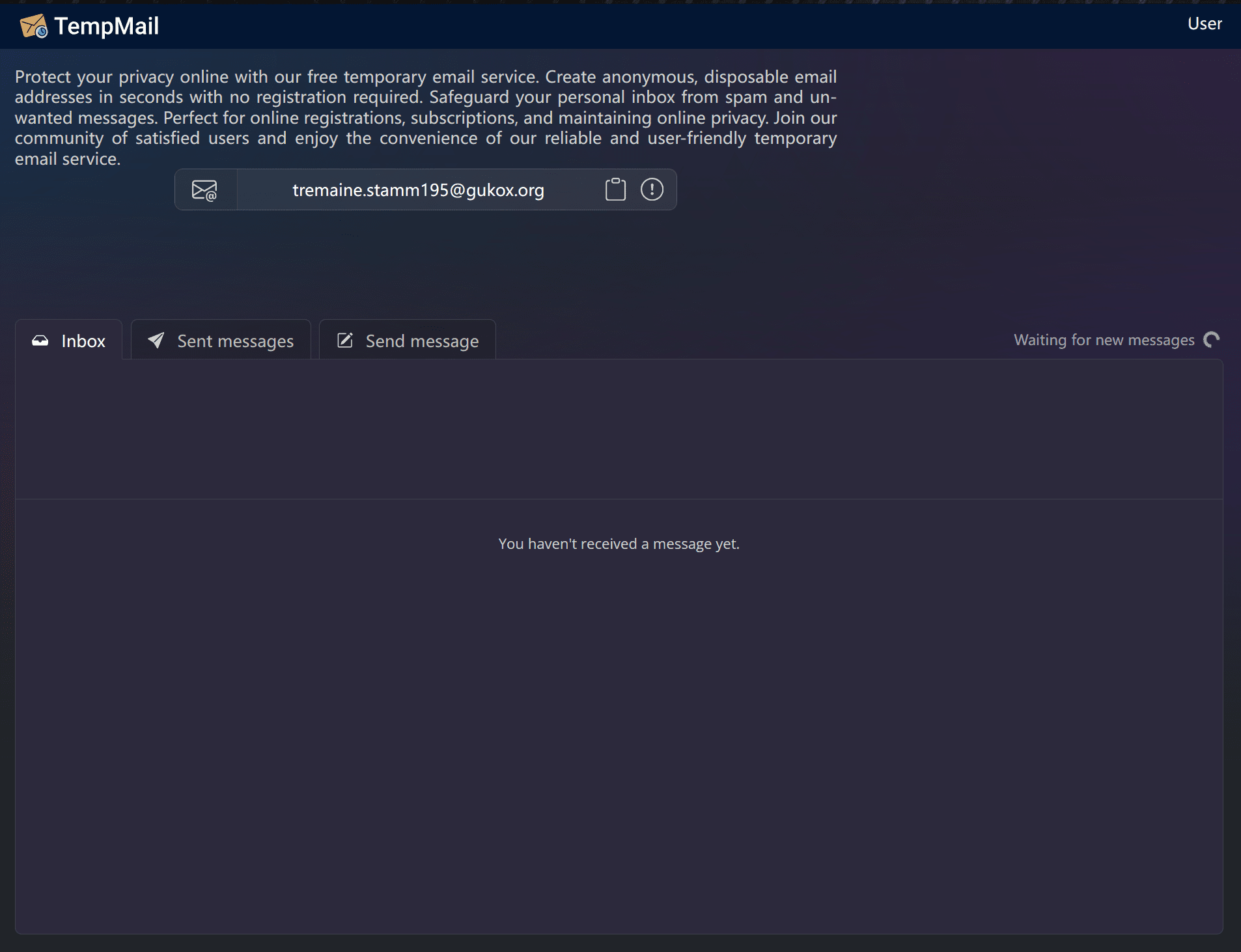
  6. Tempmail: https://tempmail.ninja/