
AI One-Click PPT Generator Website Review
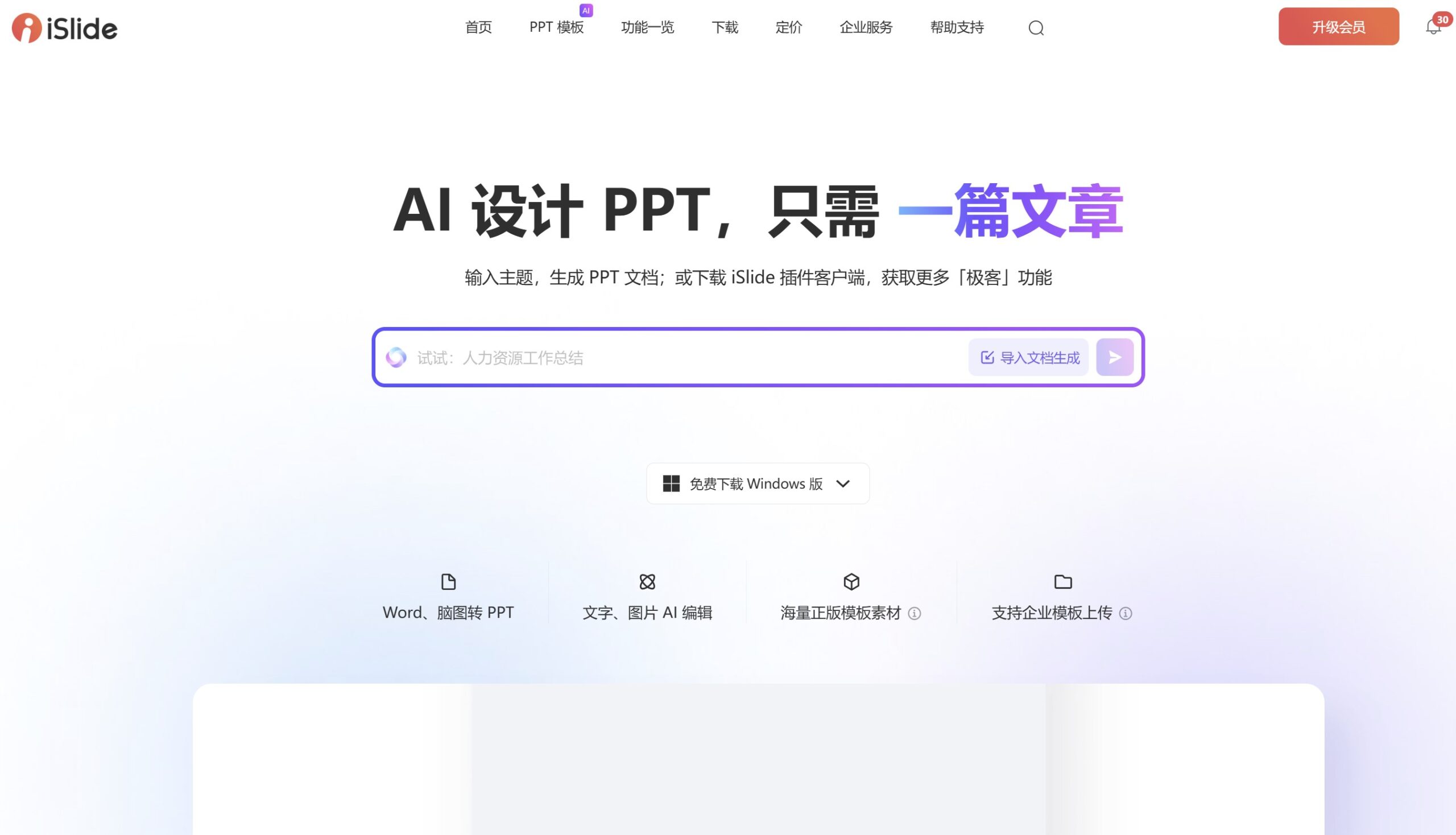
I had been seeing it all over Douyin — using Deepseek + Kimi to make a PPT in one click. I tried it today and ran into quite a few problems.
First, the PPT feature in Kimi relies on the aippt.cn website. As of February 26, 2025, it appears Kimi and aippt.cn could not reach an agreement, and the feature is currently unavailable — clicking "one-click PPT" does absolutely nothing.

Left with no choice, I opened aippt.cn to try it myself — and it turned out you have to pay upfront.
In fast-paced workplace and academic settings, making a PPT is often a time-consuming chore. Traditional design tools require you to build the framework from scratch, lay out content, and adjust colors, but AI one-click PPT tools are completely changing this process. By understanding natural language, intelligently matching templates, and automating design, these tools compress PPT creation time from hours to minutes. This article takes an in-depth look at 5 mainstream online AI PPT generation platforms, analyzing their feature differences and ideal use cases.
1. Review Dimensions
This review focuses on the following core features:
- Generation speed: How quickly a first draft is produced from keywords and how logical it is
- Template quality: Design aesthetics, template library size, and industry fit
- Smart editing: AI-assisted layout, color, and chart adjustments
- Asset library: Licensing and usefulness of icons, images, and dynamic elements
- Collaboration and compatibility: Multi-user collaboration and export formats (such as PDF/PPTX)
- Value for money: Balance between free features and paid plans
2. Side-by-Side Comparison of Mainstream Tools
1. Canva Magic Design
- Highlights:
- Generates 3 complete PPTs in different styles within 10 seconds of entering a text description
- Built-in 6,000+ professional templates with Chinese keyword recognition
- Can auto-extract content from web links (such as Wikipedia) to create a PPT
- Hands-on experience:
After entering "New Energy Vehicle Industry Trend Report," the AI accurately produced an 18-page PPT covering market size, technology roadmaps, and policy analysis, with data charts automatically citing the latest Statista data — although some animated templates got misaligned when exported to PPTX. - Pricing: The free plan covers basic needs; Pro ($12.99/month) unlocks the licensed asset library.
2. SlidesAI (Google Slides add-on)

- Highlights:
- Deep integration with Google Workspace; can generate a PPT directly from a document
- Auto-paginates paragraphs, matches icons, and generates speaker notes
- Hands-on experience:
Excellent at converting academic papers, recognizing the "methodology → results → discussion" structure, though the design style is conservative — well suited to research settings. The free plan allows 3 generations per month. - Pricing: Basic features are free; the premium plan ($10/month) adds a custom brand kit.
3. Designs AI
- Highlights:
- Supports uploading PDF/Word documents and auto-converting them to PPT while preserving the original hierarchy
- AI design suggestions can optimize layouts in real time (such as "turn this text into a timeline graphic")
- Hands-on experience:
After uploading a 10-page industry whitepaper, the generated PPT retained 90% of the core content, but complex tables lost fidelity during conversion. The paid plan includes manual optimization by dedicated designers. - Pricing: From $29/month; suited to enterprise users.
4. Beautiful.ai
- Highlights:
- Dynamic layout system: adjust one element and the whole page realigns automatically
- Smart chart engine: generates 8 kinds of visualizations from Excel data
- Hands-on experience:
When creating a product launch PPT, dragging in a logo made the AI automatically match the corporate color scheme, and dashboard generation was extremely fast. However, Chinese language support is weak, and some animations only work in online presentations. - Pricing: $12/month, with team collaboration space.
5. MindShow (domestic tool)
- Highlights:
- Pure Chinese interface; supports voice input for generating outlines
- 3D page-turn animations and virtual presenter avatars
- Hands-on experience:
After saying "rural revitalization case sharing," the AI generated a 15-page PPT with field photos and policy citations, and the built-in virtual presenter can auto-narrate the presentation — but the template library has fewer than 200 designs. - Pricing: The free version exports with watermarks; membership is 30 RMB/month.
3. Recommended Use Cases
- Minimalists: Canva's free plan covers basic needs
- Data-driven reports: Beautiful.ai's charts + dynamic layouts
- Academic/corporate document conversion: Designs AI has the best document parsing
- Immersive Chinese experience: MindShow's voice interaction + virtual presenter
4. Future Trends and Concerns
Current AI PPT tools still have two major pain points:
- Shallow content: Auto-generated data analysis tends to stay on the surface, lacking insightful conclusions
- Copyright risks: Some platforms' asset libraries contain images/icons without clear authorization
We suggest treating AI tools as "senior assistants" — you still need to manually review key data and design details after the first draft. As multimodal models evolve, future PPT generation may achieve full automation: "one-sentence request → automatic research → dynamic presentation."