 VirtualCardx
Nginx Settings for Rank Math Sitemaps in WordPress
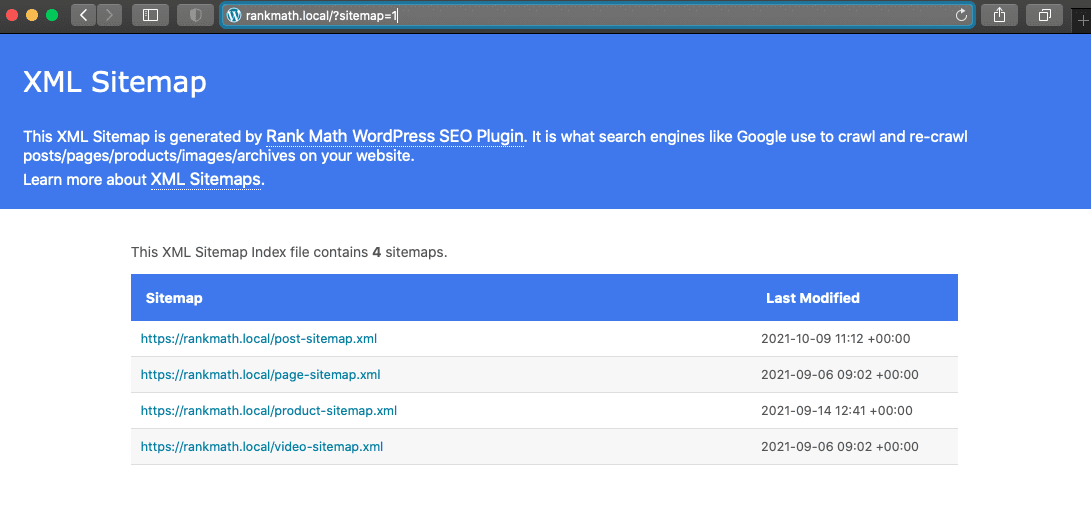
Rank Math dynamically creates a sitemap, which relies on redirects at the server level. In some cases, if your sitemap is not working as expected, you will need to manually add some rewrite rules.
To confirm you need these rewrite rules, visit domain.com?sitemap=1.
If the sitemap loads successfully, Rank Math SEO can generate the sitemap but cannot rewrite it to the sitemap_index.xml page.
Fixing Rank Math SEO Sitemap Issues on Nginx
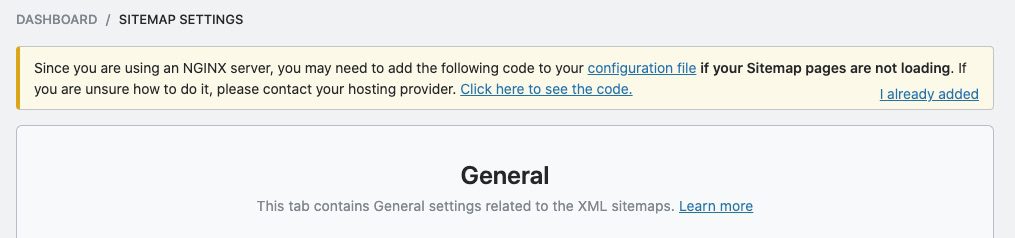
If your Nginx server blocks sitemap file creation, Rank Math will let you know via a notification under the sitemap settings. In that case, you need to manually add rewrite rules.
1. Adding Rewrite Rules on the Nginx Server
So go to the Nginx configuration file and add the following rewrite rules to fix this problem:
Modify the corresponding Nginx site configuration file, usually located in /usr/local/nginx/site-enables/xxx.
- Edit the config file with vim
- Add the plugin's rewrite code before the final }
- Save the file
- Restart Nginx with the systemctl restart nginx command
使用 vim 编辑配置文件
在最末尾的 } 前添加插件的 rewrite 代码
保存文件
使用 systemctl restart nginx 命令重启 Nginx
# START Nginx Rewrites for Rank Math Sitemaps
rewrite ^/sitemap_index.xml$ /index.php?sitemap=1 last;
rewrite ^/([^/]+?)-sitemap([0-9]+)?.xml$ /index.php?sitemap=$1&sitemap_n=$2 last;
rewrite ^/([a-z]+)?-sitemap\.xsl$ /index.php?xsl=$1 last;
# END Nginx Rewrites for Rank Math Sitemaps2. Clearing the Sitemap Settings
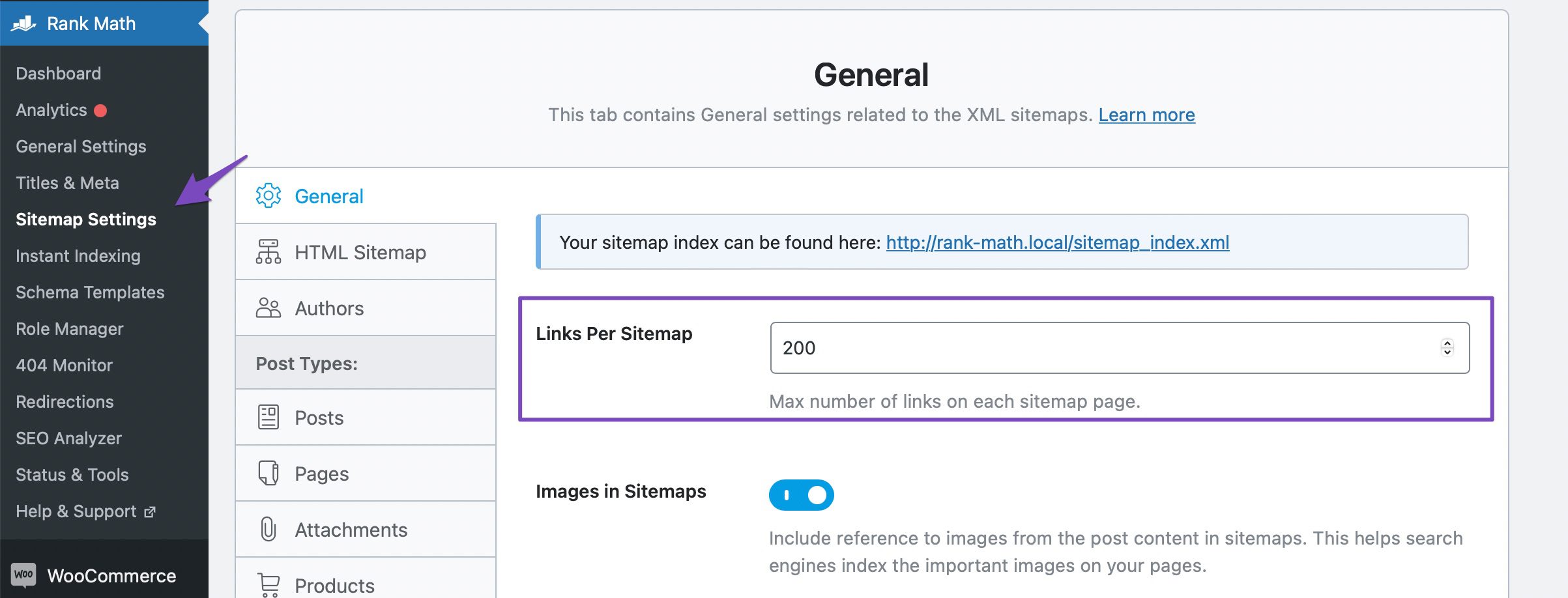
After adding the rewrite rules above, you need to refresh the sitemap settings. To do this, go to Rank Math SEO → Sitemap Settings in the WordPress admin area, make a small change to "Links per sitemap," and then click the "Save Changes" button.
Reference: https://rankmath.com/kb/xml-sitemaps-nginx/
2026 verification note
Recheck this procedure against the linked primary documentation and the live configuration before applying it. Product limits, plugin settings, dashboard labels, server paths, and commands change over time. Take a backup, test in staging where possible, validate configuration syntax before reload/restart, and verify the resulting HTTP status, canonical URL, logs, and user-visible behavior. Do not treat a successful command or a third-party tool score as proof that the underlying SEO, security, or availability issue is resolved.
Use least-privilege credentials, keep secrets out of repositories and logs, and preserve a rollback plan. For search changes, observe Search Console data over a normal reporting period rather than repeatedly requesting indexing.