 VirtualCardx
Site Migration Without Losing Traffic: 301 and Sitemap Guide
Skip the 301s and your traffic will vanish. Ask me how I know
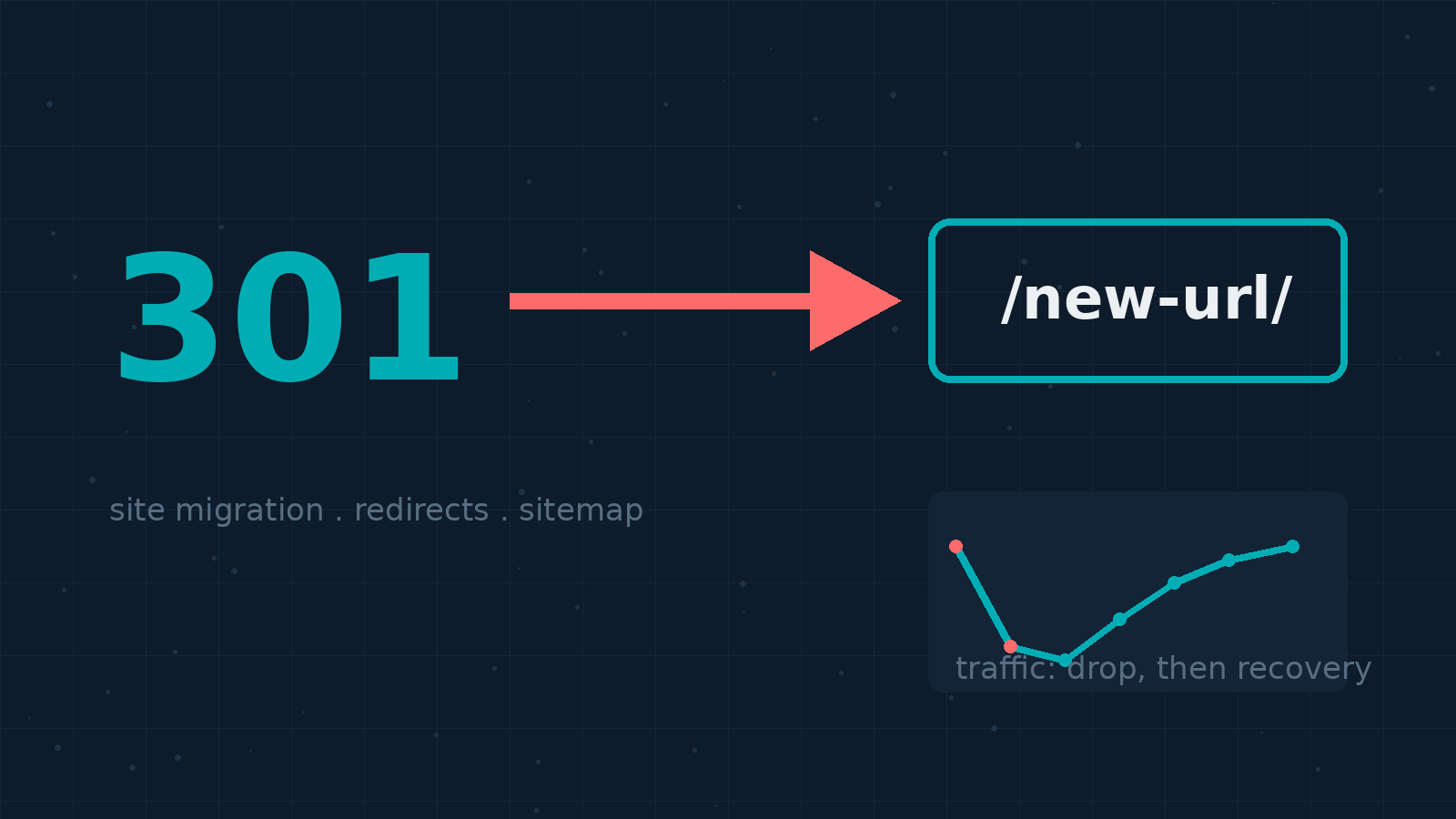
In August 2026 we moved this site off a self-hosted WordPress stack onto Cloudflare Workers. The article URLs changed shape in the process, and for the first week after the switch, Bing referrals to the old URLs went to zero. Not a gradual decline. Zero. The crawler kept hitting old addresses, got a 404 every time, and simply stopped showing those pages.
Fixing it took a spreadsheet of 78 redirect mappings, a night of curl testing, and two IndexNow submissions. Within about two weeks, most of the Bing impressions were back. This guide walks through the whole playbook: when permanent redirects are mandatory, how to build the mapping table, what to do with your sitemap, and how submission channels differ between Google and Bing. The specifics come from our migration, but the process applies to any site move, whether that's a new domain, a new CMS, or a URL restructure on the same domain.
301 vs 302 vs 308: picking the right status code
Search engines treat redirect status codes very differently, and picking the wrong one quietly costs you. According to Google's official redirects documentation (verified 2026-09-01):
- 301 / 308 (permanent): Googlebot follows the redirect, and the indexing pipeline treats the destination as the canonical URL. This is what you want for any move you won't reverse.
- 302 / 307 (temporary): Googlebot still follows, but the pipeline does not treat the target as canonical. The old URL can stay in results. Reserve these for maintenance windows and experiments.
- Meta refresh / JavaScript redirects: Recognized, but the docs are blunt about it. Use them only when server-side redirects aren't possible. Signal passing is less reliable.
Then there's the question everyone asks: do 301s lose PageRank? Google's documentation answers it directly: "301 and other permanent redirects don't cause a loss in PageRank" (verified 2026-09-01). The real loss comes from not redirecting at all.
The URL mapping table is the most valuable document you'll produce
Google's site move guide dedicates an entire section to preparing a URL mapping, and our experience backs that up. The table itself is two columns, old URL and new URL. The hard part is making the old list complete.
The documentation suggests five sources for finding old URLs:
- Your existing sitemaps, since your most important URLs are probably already there;
- Server logs and analytics, to catch high-traffic pages;
- The Links report in Search Console, for pages with internal and external links;
- A full URL export from your CMS;
- Recent crawl log entries.
Two details people miss. First, images and videos are URLs too: WordPress upload paths, thumbnails, OG images. If they move, they need redirects as well, or your image search traffic and hotlinked images break. Second, mapping targets should be one-to-one, or many-to-one when content genuinely merges. Never bulk-redirect a pile of unrelated old URLs to your homepage. Google explicitly says this gets treated as a soft 404.
Where to implement the 301s: four options
nginx or Apache config
The most direct route on a self-managed server. nginx uses return 301; Apache uses mod_alias with Redirect permanent or mod_rewrite. It runs at the very front of the stack with no app overhead and the cleanest signal passing. Our old rollback target still works this way.
At the CDN edge
If your origin sits behind Cloudflare (ours does now), Bulk Redirects let you return 301 straight from the edge without touching the origin server. Rules can be imported in bulk via CSV, which fits a WordPress-to-Workers migration where the entire origin changed.
Inside the CMS or framework
WordPress has redirect plugins; newer stacks can encode old-to-new paths directly in application routes (Hono, Next.js, and friends). The tradeoff is that every request pays a trip through app code, so watch performance as the rule list grows.
The client-side fallback
On static hosts where you can't set server headers, meta refresh or a JavaScript location swap is the last resort. Unreliable signal passing, as covered above. Avoid if you have any alternative.
Redirect chains: one hop or bust
Googlebot will follow up to 10 hops in a redirect chain, but the official guidance is to point straight at the final destination: ideally no more than 3 hops, fewer than 5. Real-world example: you redirect /old/ to /2019/old/ during one redesign, then /2019/old/ to /old-page/ during the next. Two hops now, extra latency for every visitor, and uneven support across user agents. After any migration, run your whole mapping table through curl and confirm each entry lands in a single hop:
curl -sIL -o /dev/null -w '%{http_code} %{url_effective}\n' https://example.com/old-url/
If the table has dozens of rows, loop over a text file instead of pasting URLs one by one:
while read u; do curl -sIL -o /dev/null -w '%{http_code} %{url_effective}\n' "$u"; done < old-urls.txt
Anything that returns an intermediate status other than 200, or lands somewhere unexpected, goes back to the mapping table for a fix and a retest.
Canonicals, internal links, and the new sitemap travel together
Getting the 301s live is the start, not the finish. Three tasks run alongside:
- Self-referencing canonicals: every new URL should carry a
rel="canonical"pointing to itself. During a move, when old and new pages are briefly both reachable, this settles which version gets indexed. - Update every internal link: hunt down links on the new site that still point at old URLs. Forcing users and crawlers through an extra 301 on every click is slow and dilutes signals.
- Submit the new sitemap, retire the old one: the new sitemap should contain only final, 200-returning canonical URLs. No redirect paths, no deleted content. We trimmed ours from 364 entries to 337 after the migration, dropping every legacy category path, and verified all 337 return 200.
A word on multilingual sites. If you publish the same content in multiple languages (this site runs Chinese and English versions under separate paths), Google recommends distinct URLs per language connected with hreflang annotations. Those annotation URLs need updating during the move too, or language matching breaks.
Google and Bing don't want the same submissions
This is where most guides go quiet, and where the tooling genuinely differs:
- Google Search Console: submit the new sitemap after the move. If you changed domains, also file a Change of Address request from the old property. Same-domain path changes don't need that tool.
- Bing Webmaster Tools: sitemaps work here as well, but Bing's real fast lane is IndexNow. It's an open protocol backed by Bing and Yandex (and originally Seznam): you POST a list of changed URLs, and the engine knows immediately what to recrawl, with no waiting for organic rediscovery. Google doesn't participate; it relies on sitemaps and natural recrawling. Our new stack has no legacy Bing OAuth setup, so IndexNow became the primary submission channel: a key file at the site root, and POSTs to both bing.com/indexnow and api.indexnow.org.
One more trap we hit personally: when verifying live results, force IPv4 and add a cache-busting parameter (curl -4 "https://example.com/url/?cb=$RANDOM"). Stale HTML sitting in a CDN edge cache will make you believe a perfectly good redirect isn't working.
What to watch after the move: a three-week window
Google sets expectations honestly: for a medium-sized site it takes weeks or more for new URLs to fully replace old ones in results, and ranking fluctuation during that period is normal. Our post-migration checklist:
- Old URL crawl volume: in GSC and Bing WMT crawl stats, requests to old URLs should trend down steadily;
- New URL indexing: track coverage with
site:queries and the index reports; - Soft 404 and 404 reports: URLs that slipped through the mapping surface here. Patch them one at a time;
- Weekly organic click comparison: recovering to 70% of pre-migration traffic within three weeks is a healthy pace.
The docs also recommend keeping the 301s live for at least a year, since external link signals transfer slowly, and ideally indefinitely from a user-experience perspective. This is the step people skip: the old hosting contract lapses, the redirects die, and months of signal transfer evaporates.
Risks and limits: 301s are not magic
- Redirects don't launder penalties: if the old site sat under an algorithmic demotion, a 301 won't fix content quality. Before moving, confirm the old property is penalty-free; our earlier piece on checking for Google penalties covers the diagnosis.
- Caches amplify mistakes: CDNs cache 301s, and browsers cache them aggressively, sometimes surviving restarts. Keep the window between "rule deployed" and "rule verified" as short as possible, and purge edge caches the moment you fix an error.
- Multilingual sites get no shortcuts: redirecting the Chinese version while the English version 404s cuts off half your traffic. Every language variant needs its own row in the mapping table.
- Don't redesign and migrate simultaneously: change one variable at a time. If you swap URLs and rewrite titles and content in the same week, you can't tell which change caused a traffic drop.
FAQ
How long should I keep 301 redirects?
Google recommends at least a year, and indefinitely if you can afford it. External links update to the new URLs slower than you'd expect; pulling the redirects early discards signals mid-transfer.
Does a long-running 302 get treated as a 301?
Search engines may eventually interpret a persistent 302 as permanent, but that's their heuristic, not your instruction. If the move is permanent, say so with a 301.
Do I need Change of Address for an HTTPS move?
No. Google is explicit: HTTP to HTTPS, www to non-www on the same domain, and same-domain path changes don't require it. The tool is only for cross-domain moves, including subdomain switches.
Should deleted pages get 301s too?
No. Let those URLs return a clean 404 or 410. The 410 status ("gone permanently") helps engines clear them from the index faster. Redirecting them to the homepage creates a soft 404.
How long until traffic recovers after migration?
Depends on site size. Ours is roughly a hundred pages; Bing impressions mostly returned within two weeks of fixing the redirects. Google's official line for medium sites is "a few weeks or more." Expect fluctuation, and don't roll back at the first dip.
Should old URLs stay in the sitemap?
No. The sitemap lists only final canonical URLs returning 200. Old URLs are the 301 layer's job now; listing them wastes crawl budget.
Wrapping up
A migration isn't technically hard; it's discipline-dependent. Complete mapping table, per-row curl verification, and a patient observation window did it for us: 78 verified redirects, a sitemap trimmed to canonical URLs only, and IndexNow submissions to both endpoints. If a move is on your roadmap, following this order keeps the risk floor low. For the technical bookends, our earlier guides on configuring sitemaps under nginx and running APIs on Cloudflare Workers' free tier cover the before and after of a stack change.
2026 verification note
Recheck this procedure against the linked primary documentation and the live configuration before applying it. Product limits, plugin settings, dashboard labels, server paths, and commands change over time. Take a backup, test in staging where possible, validate configuration syntax before reload/restart, and verify the resulting HTTP status, canonical URL, logs, and user-visible behavior. Do not treat a successful command or a third-party tool score as proof that the underlying SEO, security, or availability issue is resolved.
Use least-privilege credentials, keep secrets out of repositories and logs, and preserve a rollback plan. For search changes, observe Search Console data over a normal reporting period rather than repeatedly requesting indexing.