 VirtualCardx
l850-cops: Manual Network Selection for the Fibocom L850-GL M.2 4G Module on Windows
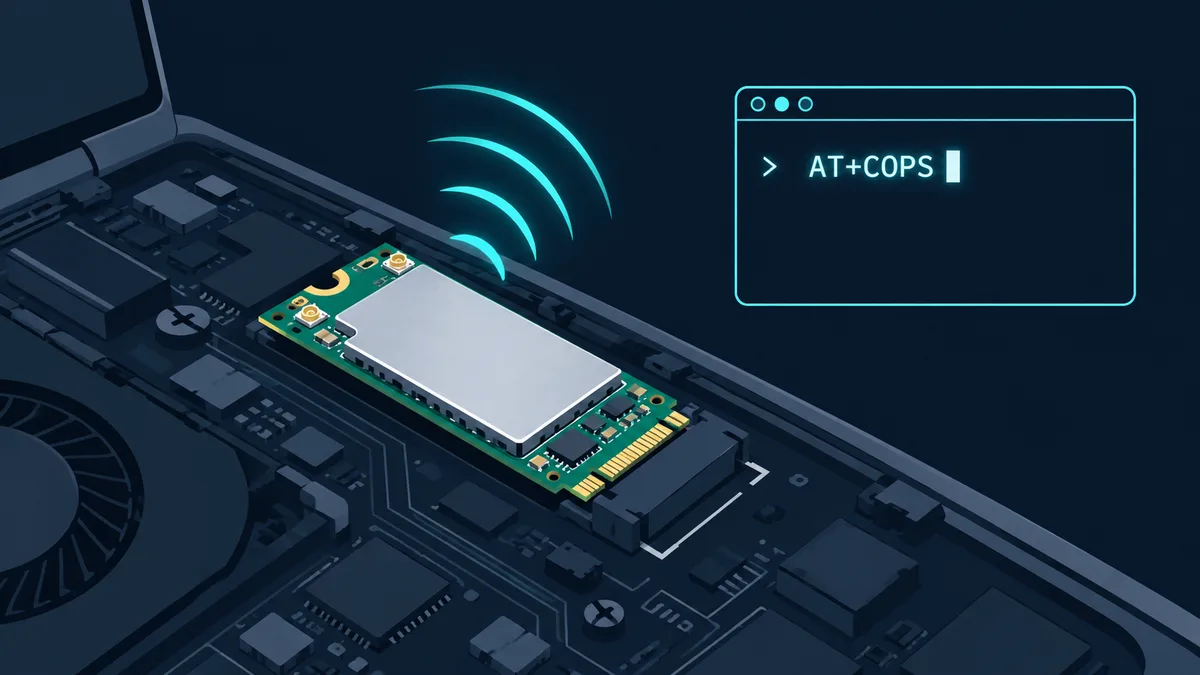
Quite a few business laptops (ThinkPad X1 Carbon Gen 9, X13 and their generation siblings) ship with the Fibocom L850-GL M.2 4G module (Intel XMM 7360 baseband). The module works fine for data, but it carries one long-standing annoyance: under the Windows MBIM driver, the native "Cellular" settings page does not support manual network selection — the option is simply greyed out. Travelling with a foreign SIM and want to pin the module to a local operator? There is no UI entry point at all. We open-sourced a small free tool, l850-cops, that fixes this by sending standard 3GPP commands straight over the AT serial port (repo link at the end).
Why the manual-selection button is grey in Windows
Two separate causes, both handled by the tool:
- MBIM capability gap: the Windows cellular stack only exposes manual selection when the driver advertises the capability over MBIM. The L850-GL MBIM driver does not, so the button is grey — a capability negotiation result, not a bug.
- Exclusive AT port lock: even bypassing the UI and sending
AT+COPSdirectly fails, because the module's AT port (typically COM5/COM6) is held by the Lenovo SIM-lock service (ModemAuthenticatorService), the DPR service, and the Intel ModemControl device (MI_04, WUDFRd UMDF driver). Any program opening the port gets "access denied". The author traced this root cause with handle.exe and privilege experiments.
What l850-cops does
Written in Rust, it solves both in one flow:
- Free the port: with elevation it stops the Lenovo SIM-lock/DPR services and disables the Intel ModemControl device — this only touches the management channel; MBIM cellular data keeps working, and everything is reversible;
- Direct AT control:
AT+COPS=?scans every visible network (a table of operator, PLMN and radio standard, with the current network highlighted), andAT+COPS=1,2,"PLMN"locks the module to a chosen operator persistently — it survives power cycles.
Extras: a module status panel (SIM, registration state, roaming, dBm-graded signal), return-to-automatic (AT+COPS=0), radio-standard locking via AT+XACT (LTE-only / 3G-only, a Fibocom proprietary command), and built-in PLMN recognition for Singapore M1/Singtel/StarHub, mainland Chinese carriers, and Hong Kong/Macau/Taiwan operators.
GUI and CLI
Double-click l850-cops.exe for the iced GUI; it embeds a requireAdministrator manifest so the whole flow needs a single UAC confirmation. The interface walks the steps: free port → detect port → check status → scan and select.
Command-line users get subcommands:
l850-cops detect [filter]                 detect the module AT port
l850-cops free                            free the locked AT port (elevated)
l850-cops restore                         restore ModemControl + Lenovo services
l850-cops --port COM7 scan                manual network scan (up to 180 s)
l850-cops --port COM7 status              selection/registration/signal status
l850-cops --port COM7 select M1           lock to operator (name or PLMN)
l850-cops --port COM7 auto                back to automatic selection
l850-cops --port COM7 mode lte            lock radio standard (lte/3g/auto)
Without --port the port is auto-detected; 115200 8N1, no flow control. Building requires only Rust 1.75+ and cargo build --release.
Typical scenarios
- Travel network pinning: land in Singapore with a local SIM, lock to M1 (PLMN 52503) instead of roaming onto an expensive network; same logic back home (China Mobile 46000 / Unicom 46001 / Telecom 46003).
- Weak-signal triage: lock a radio standard or switch operators, and use the dBm grading to tell coverage problems from module problems.
- eSIM/SIM registration testing: combined with our eSIM exit-IP guide, you can control exactly which network the module registers on before observing the outbound IP.
Caveats
- A manual lock is written persistently to the module — run "back to automatic" before swapping SIMs or regions;
- Registration failure after locking (
+CME ERROR 30) means the signal is too weak or the network unavailable; change location and retry; - "Free the port" disables ModemControl on the management channel only; MBIM data is unaffected and everything restores with one command;
- Verified on the L850-GL (XMM 7360) only; other Fibocom modules may structure their port locks differently.
Repository
https://github.com/VirtualCardx/Fibocom-L850-GL-M.2-4G (MIT, Rust sources and release binaries). The README also documents the full COM-port lockout investigation, which is useful reference for anyone debugging Windows hardware drivers.