 VirtualCardx
WhatsApp Foreign Trade Guide: Account Setup to Closing
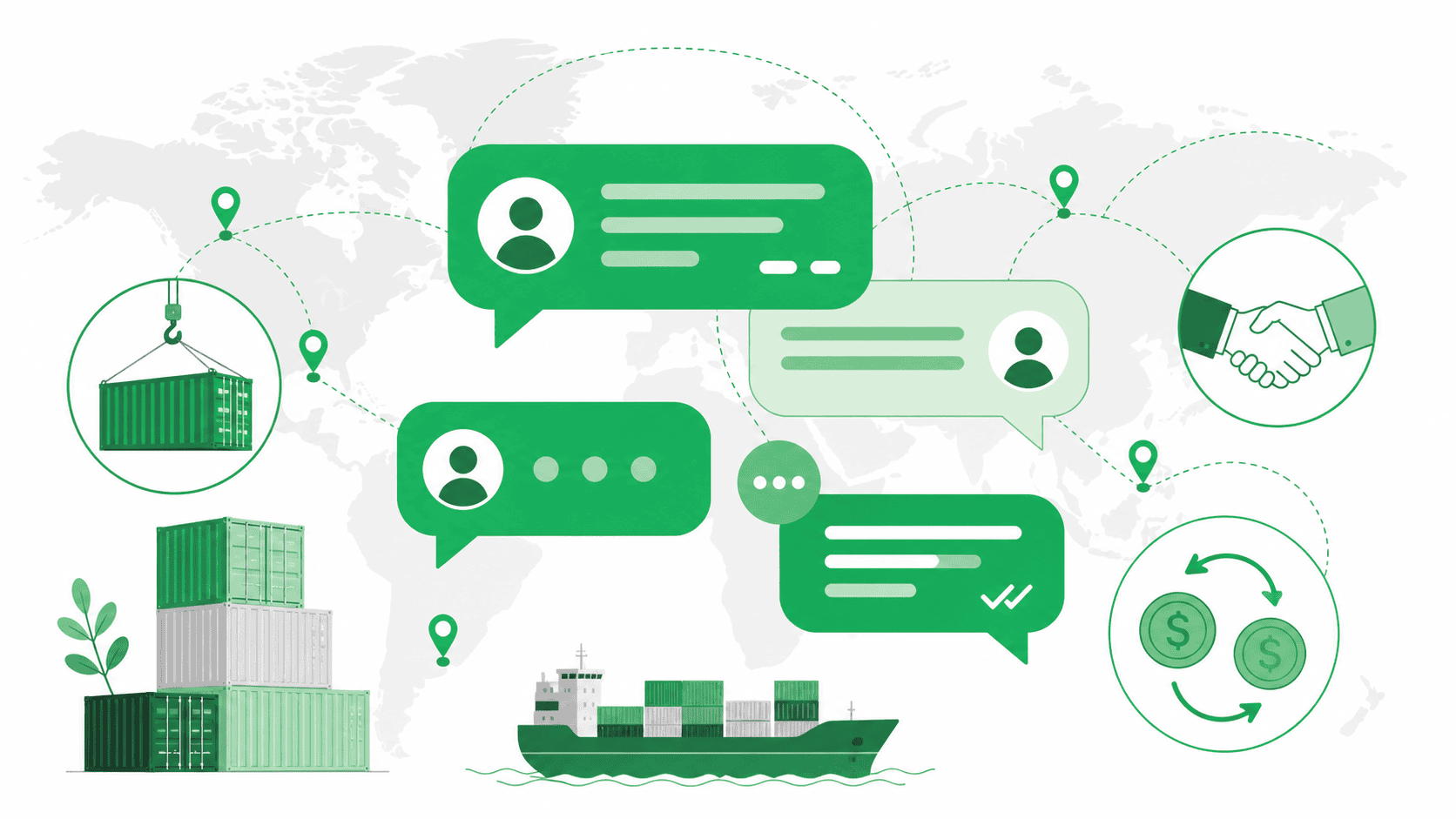
Why Can't International Trade Professionals Do Without WhatsApp?
I’ve spoken with well over a hundred people in the international trade industry—from solo entrepreneurs to companies with a hundred employees—and when I ask them what tools they use to contact overseas clients, more than 90% mention WhatsApp first. This is similar to the practice in China of using WeChat for business—you need to be present on the messaging platforms your clients use every day.
WhatsApp has over 2 billion monthly active users worldwide, spanning more than 180 countries. In popular international trade markets such as the Middle East, South America, Southeast Asia, and Africa, WhatsApp is practically the only messaging app used by locals. If you send an email, it might take three days for the client to reply, but the average time for a WhatsApp message to be read is less than 15 minutes. Everyone in international trade understands what this difference means.
The problem is, however, that most people in international trade still use WhatsApp in a way that amounts to ”adding a contact, sending a ”hi,’ and waiting for a reply.” When they don’t get the results they want, they assume the tool isn’t effective. In reality, it’s not the tool’s fault—it’s a matter of approach.
WhatsApp Business App vs. WhatsApp Business API: Which One Should You Choose?
First, let’s get the tool itself straight. WhatsApp offers two versions for business users, and many people get them mixed up.
WhatsApp Business AppIt’s a free app designed for individual foreign trade freelancers and small teams. It offers features such as company profile setup, product catalogs, auto-replies, tag management, and quick replies. You can use it on your phone, and the experience is similar to regular WhatsApp. For those just starting out in foreign trade, this version is more than sufficient.
WhatsApp Business Platform (i.e., the API version)It is designed for medium to large enterprises and is accessed through a Meta-certified BSP (Business Solution Provider). It supports bulk messaging, automated workflows, CRM system integration, and simultaneous management of multiple customer service representatives. After 2023, Meta changed its pricing model from charging per template message to charging per conversation. Specific rates vary significantly by country; for example, a business-initiated conversation in India costs just over $0.01, while in European countries such as the UK and Germany, the cost is approximately $0.06–$0.08.
My advice: If you're an individual or a team of three or fewer, start with the free Business App. Once your customer volume grows to the point where you can't keep up with replies, or when you need to integrate with a CRM, then consider the API version. Don't add features just for the sake of it.
Practical Step 1: Get Your Profile Right
For many people in international trade, their WhatsApp Business Profile looks like an unfinished, unrenovated apartment. They use a landscape photo as their profile picture, have no product catalog, and simply write ”business” in the “About” section—and that’s it. When customers click to view it, it looks no different from a scam account.
A few details that must be handled properly:
- Profile Picture: Use your company logo or a professional photo of yourself. Do not use cartoon avatars or landscape photos. Clients need to feel they can trust you.
- Company Name: Use an English company name—preferably one that matches your website domain and email address suffix.
- Categories: Choose the right industry category so customers can find you easily when they search.
- About: In one sentence, clearly describe what product you offer and what market you serve. Don’t use empty phrases.
- Product Catalog: Upload images, price ranges, and brief descriptions for 5–10 core products. Customers can browse them directly there.
- Business Address and Website: Enter your company's address and official website URL. This information will make your profile more credible.
Once you've set up your Profile, it's like having your own online showroom. When customers add you, they'll see a legitimate business, not just someone who doesn't know what they're selling.
How to Find a Target Customer's WhatsApp Number
This is the issue that concerns foreign trade professionals the most, and it’s also the area where people are most likely to go astray. There are all kinds of ”WhatsApp data collection tools” on the market that claim to be able to scrape target customers’ phone numbers in bulk. I must remind you: Sending unauthorized messages in bulk using these tools violates WhatsApp’s Terms of Service, and it’s only a matter of time before your account gets suspended. Once your account is suspended, all the customer relationships you’ve built will be lost—it simply isn’t worth the risk.
Legitimate and Effective Customer Acquisition Methods:
Method 1: Google Search + Cross-Verification with Customs Data
Use Google to search for importers in your target market. Combine your product keywords with buyer intent keywords in your search queries, such as ”LED lighting importer in the UAE” or ”furniture wholesaler Germany contact.” Once you find a company’s website, check its Contact page. Many overseas companies list their WhatsApp numbers directly on their websites.
If you have access to a customs data platform (such as ImportGenius or Panjiva), you can first check import records to identify active buyers, then search for that company on Google to find its contact information. These customers are both highly targeted and backed by a track record of transactions.
Method 2: A Combined Approach Using LinkedIn and WhatsApp
Once you find the procurement manager at your target company on LinkedIn and add them as a contact, many clients from the Middle East and South America will naturally say, ”Let’s talk on WhatsApp.” LinkedIn is for finding the right people, while WhatsApp is for in-depth conversations. This combination has become a well-established strategy in the international trade community.
The trick is this: Don’t ask for a WhatsApp number directly on LinkedIn. Start by striking up a conversation and exchanging a few pieces of valuable information, then suggest, ”We can discuss the details on WhatsApp for faster communication.” Getting the other person to give you their number voluntarily is much more effective than asking for it yourself.
Method 3: Industry Trade Shows and Trade Platforms
On business cards collected at in-person trade shows, an increasing number of overseas clients are printing their WhatsApp numbers directly on them. When using online B2B platforms (such as Alibaba or Made-in-China), guide clients to switch to WhatsApp during your communications with them. Response times for platform messages are much slower than on WhatsApp, and clients are well aware of this.
How to Send Your First Message So It Won't Be Overlooked
The most common mistake made by foreign trade professionals is sending mass-mailed messages like, ”Dear Sir, we are a professional manufacturer of xxx with 15 years of experience. Please check our website.” Clients receive dozens of such messages every day, and they’re all ignored.
A good first message follows this principle: Make the other person feel that you understand them, rather than sending a mass message.
Specific steps:
First, do some research on this company. What products do they sell? From which countries do they import them? What have been their recent developments? Then, you could write your first message like this:
“Hi [Name], I saw that [Company Name] recently launched a new series of LED garden lights on your website. We actually manufacture the exact type of aluminum housing you’re using. Would you be open to comparing suppliers for this component?”
Why is this kind of message effective? Because it shows that you’ve done your homework, that you understand what the other party is doing, and that you’re providing specific information relevant to their business. It’s not just a generic ”We offer high quality at low prices.”
Another tip is: Don’t include any product images or PDF catalogs in your first message. A first message with attachments is likely to be flagged as a marketing account. Start by establishing a conversation with text, and send the materials only after the other party replies.
Some Reference Data on Message Response Rates
According to feedback from peers with considerable experience in WhatsApp customer acquisition, the general range of industry data is as follows:
For cold outreach (to customers you don’t know at all), the response rate to the first message typically ranges from approximately 5% to 15%, depending on your target market, message quality, and the level of competition in the industry. Response rates in the Middle East and Africa are generally higher than in Europe and the U.S., as these markets rely more heavily on WhatsApp.
The probability that a qualified lead (one who has responded at least once) will continue the conversation is approximately 30%-40%. Whether a sale is ultimately made depends on your quote, product quality, and response time.
If you use the combination of profile optimization, targeted research, and a personalized first message, the response rate for cold outreach can reach over 20%. This is considered an excellent result within the industry.
Manage your customers with tags—don’t let leads get lost in your chat list
The WhatsApp Business app comes with a tagging feature—a tool that’s severely underrated. What’s the biggest fear in international trade? You might chat with fifty clients but can’t tell who’s in the inquiry stage, who’s waiting for a quote, and who’s already comparing prices. In the end, you fail to follow up with the right people and waste time on the wrong ones.
We recommend setting up a simple tagging system:
- 🟢 New Inquiry — Just started chatting
- 🔵 Awaiting Quote — Request confirmed, awaiting quote
- 🟡 Quote submitted — Waiting for a response
- 🔴 High Interest — Multiple rounds of communication; close to closing the deal
- ⚫ On Hold — No current need
Spend half an hour each week reviewing your tag list. 🟡 For tags that haven’t been responded to in over a week, follow up proactively. 🔴 Focus on maintaining these tags. This habit can help you shift from ”talking about it and then forgetting” to ”making steady progress.”
The Correct Use of "Mass Mailing" and "Broadcast"
WhatsApp Business's Broadcast feature allows you to send a single message to multiple contacts at once, but there is one strict limitation: only contacts who have saved your number in their address book can receive Broadcast messages. This means you cannot send broadcast messages to strangers at will.
Proper Use Cases for Broadcast:
New Product Launch—Send information about new products to existing customers who already know you and have saved your number. The delivery and open rates for these messages are significantly higher than those for mass email campaigns.
Holiday Greetings—This doesn’t mean you should just send a ”Merry Christmas” message; rather, it’s about reaching out at commercially significant times. For example, one month before the procurement season in the client’s country, send a reminder saying, ”The procurement season is here—please feel free to contact us anytime for a quote.”
Sharing Industry Trends—When you notice a market shift or policy update relevant to a client’s business, put together a brief analysis and send it to the relevant clients via Broadcast. This type of message doesn’t come across as a sales pitch, but it helps you stay top-of-mind with your clients.
Don’t send broadcast messages too often. Send them no more than once a week; ideally, once every two weeks. If you send too many, customers will block your number, and all your previous efforts will be wasted.
Account Suspension Risks and Account Security
This is an issue that must be addressed. I’ve seen too many foreign trade professionals have their accounts suspended due to improper practices, causing years of accumulated client resources to vanish overnight.
Common actions that trigger account suspension:
- Sending messages to a large number of contacts who haven't saved your number in a short period of time (this is very likely to be flagged as spam)
- Reported by multiple users via ”Block and Report Spam”
- Using uncertified third-party bulk messaging tools
- Newly registered numbers immediately send a large number of messages
Practical Tips for Reducing the Risk of Account Suspension:
For the first two weeks after creating a new account, stick to normal social use—chat with your existing contacts and don’t rush to expand your network on a large scale. Gradually add new contacts, limiting the number of new numbers you proactively reach out to each day to fewer than 20.
Get into the habit of backing up your chat history regularly. The WhatsApp Business app lets you export your chat history to Google Drive. That way, if your account gets suspended, you’ll at least have a backup of your customer information.
Be sure to keep an alternative contact method (email, LinkedIn, WeChat) for important clients. Don’t put all your eggs in the WhatsApp basket.
If your account is unfortunately suspended, you can file an appeal through the ”Request Review” feature in the app. However, the success rate is low, so prevention is far more important than cure.
A Few Advanced WhatsApp Business Features Worth Trying
Sharing the Product Catalog Link: The product catalog in WhatsApp Business can generate a standalone link that you can include in your email signature, on your website, or on social media. When customers click the link, they can browse products directly in their browser and view product information without having to add your number.
Quick Reply Settings: Set frequently sent messages—such as product descriptions, quote templates, shipping times, and payment terms—as quick replies, which can be triggered by typing ”/” followed by a keyword. This saves a lot of time spent typing the same information repeatedly.
Automatic Away Message: Set up an automatic reply for times outside your working hours. For example, if a customer sends a message during business hours in the European time zone while you’re asleep, the automatic reply will inform them of your working hours so they know when they can expect a response. This is a much better experience than leaving them waiting in silence.
At the end of the day, tools are just tools; the real skill lies beyond them.
The value of WhatsApp in developing international trade clients is undeniable—it allows you to reach customers worldwide at extremely low cost and with remarkable speed. However, the tool itself won’t help you close deals. Closing deals depends on your understanding of the product, your insight into customer needs, and your consistent follow-up and relationship management.
I’ve seen self-employed professionals who’ve generated millions of dollars in annual orders using WhatsApp, and I’ve also seen international trade salespeople who’ve had a WhatsApp account for three years but haven’t managed to close a single deal. The difference isn’t in the tool—it’s in the person using it.
If you haven’t started using WhatsApp to reach out to potential customers yet, download the WhatsApp Business app today, complete your profile, and find five target customers in your industry to send your first message to. If you’re already using it but aren’t seeing good results, take a moment to review: Is your profile professional enough? Is your first message personalized enough? Are you managing customer tags?
Often, it’s not that the approach is wrong—it’s that the fundamentals aren’t in place. If you lay a solid foundation at every step, the right clients will naturally come.