
How to Get a Stable, Long-Lasting Overseas .edu Email
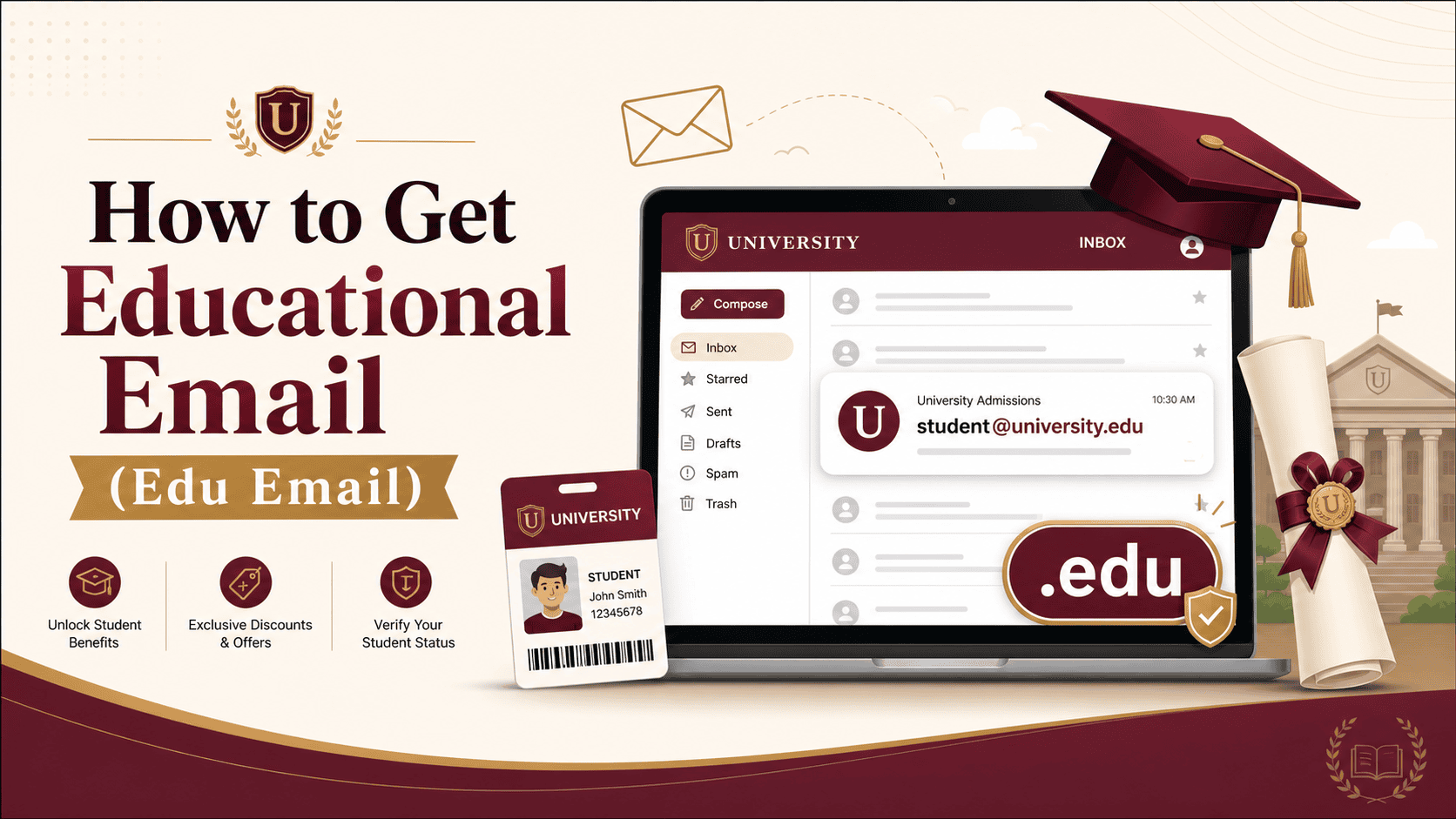
How to Get a Stable, Long-Lasting Overseas Education Email
Last year, to farm GitHub Copilot and Notion AI, I bought a temporary overseas education email on Taobao for 15 yuan. Within three days, logging in showed the account had been disabled - and the cloud services I'd registered with it got wiped out too. That lesson taught me that "black-market" emails bought online can never support long-term use of developer perks and student discounts. After six months of trial and error plus real-name registration, I've developed a proven approach to getting stable, renewable overseas education emails. Here's the full playbook.
1. Why Do We Need a Stable .edu Email?
As someone who constantly tinkers with cross-border SaaS tools and AI software, an overseas education email that passes student verification saves at least a thousand dollars a year. The perks I currently use steadily include:
- GitHub Student Developer Pack: free GitHub Copilot plus cloud credits - this one alone is worth over $200/year in real value.
- Digital entertainment and productivity tools: Spotify at half price, free Notion Pro, Figma education plan, Microsoft 365 Education (legit Word/Excel with multi-device sync).
- Infrastructure perks: free .me domain on Namecheap, generous new-user credits from DigitalOcean and AWS.
But the risk controls on these platforms keep tightening - many (like GitHub) don't just check the email suffix; they also verify a valid student ID. So getting an education email that can produce legitimate proof and stay log-inable long-term is step one to enjoying these perks.
2. Comparing Common Channels and Avoiding Pitfalls
Before the hands-on part, let's look at the main ways to get an .edu email today. I've organized a comparison for clarity:
- Channel 1: Taobao/Xianyu/Telegram resellers (strongly not recommended)
Prices typically range 10-50 yuan. These sellers mostly register with bulk-generated fake info; when the school's system does its periodic cleanup, the mailbox dies. Since you have no original credentials, you can't appeal - it's a disposable item. - Channel 2: CC alumni email activation (best value)
Apply for non-credit courses at US community colleges or use the alumni perks library. Fill out info correctly and it has a good chance of surviving long-term, at near-zero tuition cost. This is currently my main method. - Channel 3: Formally apply to an overseas university (most stable)
Apply to legitimate US colleges through College Board (especially open-enrollment community colleges), then activate the school system after receiving the admission letter. Fully legal and compliant - as long as the school doesn't close, the mailbox can follow you for life. But it takes longer and may require GED or language scores.
3. Hands-On: How to Land a Long-Lasting Education Email at "Zero Cost"
Here's the "community college application method" I've tested myself. Many US community colleges, to boost visibility, let anyone apply for their non-credit online courses - and the application process assigns you a dedicated .edu mailbox.
1. Preparation: Clean Network and Payment Environment
Don't use shared VPN nodes! Many US university backend systems block high-risk IPs. If your login IP keeps changing or shows as a data-center IP, your application will likely go into manual review or get rejected on the spot. My approach: prepare a clean US residential IP environment - this also applies to the virtual credit card reviews and overseas shopping you'll do later.
2. Find Target Schools and Submit Applications
Open an aggregation site like CCCApply for California community colleges. I recommend picking relatively obscure campuses - like Maricopa (Arizona) or Iceland (some Nordic schools' English-taught programs work too, but mind the time difference).
When filling out the application, pay attention to these details:
- Personal info: generate and use a real US address for the corresponding state (address generators are fine, but it must be a real street and zip code), and remember the birthday you filled in.
- Identity verification (SSN): if you have no US Social Security Number, always select "I do not have a Social Security Number", and fill your real nationality (e.g., China) in the country field - never make it up.
- Program choice: pick "Undecided" or "Non-degree" programs - these get approved instantly and don't require notarized high school transcripts.
3. Activation and Binding (Critical Step)
After submitting, usually within 24 hours (sometimes as fast as 30 minutes), you'll receive an email titled "Welcome" or "Admission Decision" at the backup email you provided, containing your Student ID and initial password.
Once you have the account, don't rush to register for perks. Do this first:
- Log into the school's Student Portal, change the initial password, and bind a phone number or backup email.
- In the school's backend system, find and download your "Unofficial Transcript" or "Enrollment Verification" PDF. Many platforms (like GitHub and Apple) now require uploading this file to pass manual review.
4. Three Core Tips for Keeping the Mailbox Alive Long-Term
Getting the mailbox is only step one - I've seen people get it banned within a month through careless use. For long-term stability, follow these principles:
1. Stay periodically active: school systems run regular data cleanups and auto-recycle accounts that haven't logged in for a long time. My habit: every month, send a test email from the education mailbox to my primary inbox, or open a free lecture in the school's Canvas system to keep the account active.
2. Avoid risk controls - be careful binding subscriptions: never use this precious .edu mailbox to register on shady sites, claim game CD keys, or create a US Netflix account to share with others. If it's detected sending spam or showing abnormal login frequency, the account gets banned instantly.
3. Use a virtual credit card for micro-charge verification: when applying to some schools or activating certain student benefits, the system requires binding a credit card for credit verification (usually a $0 charge or a $1 pre-authorization). Domestic dual-currency cards often fail and expose your real identity. I typically pair this with the high-quality virtual credit cards reviewed on virtualcardx.com (like WildCard or Dupay), using the school's matching billing address - success rates are extremely high, and it also solves subsequent charges for services like Spotify.
Summary
Getting a stable, long-lasting overseas education email is essentially a test of closing the information gap and executing. Drop the idea of buying accounts; spend an hour or two walking through the process yourself, and what you end up with is a digital asset that truly belongs to you. Prepare your network environment and fill out the application carefully per the steps above - you'll have your own permanent .edu mailbox in no time.
If you run into credit card verification or IP anti-association issues during the process, leave a comment - I'll draw on my years of experience with cross-border payments and SaaS tools to help.