 VirtualCardx
LinkedIn Account Recovery Methods (2025 Guide)

Verification note (September 2026): Do not bulk-send identity documents or appeals to historic/non-public email addresses, and do not treat an X direct message as an official recovery channel. Submit one complete, truthful case through the in-product prompt or LinkedIn Help Center’s current restriction/appeal flow, and upload ID only on a LinkedIn-designated secure page. Old form URLs may redirect or expire. LinkedIn account restrictions · LinkedIn appeal help
Starting today, I will keep updating methods for recovering restricted LinkedIn accounts.
When you open LinkedIn and try to log in, if it asks for identity verification, your account has been restricted. Here is what you need to do:
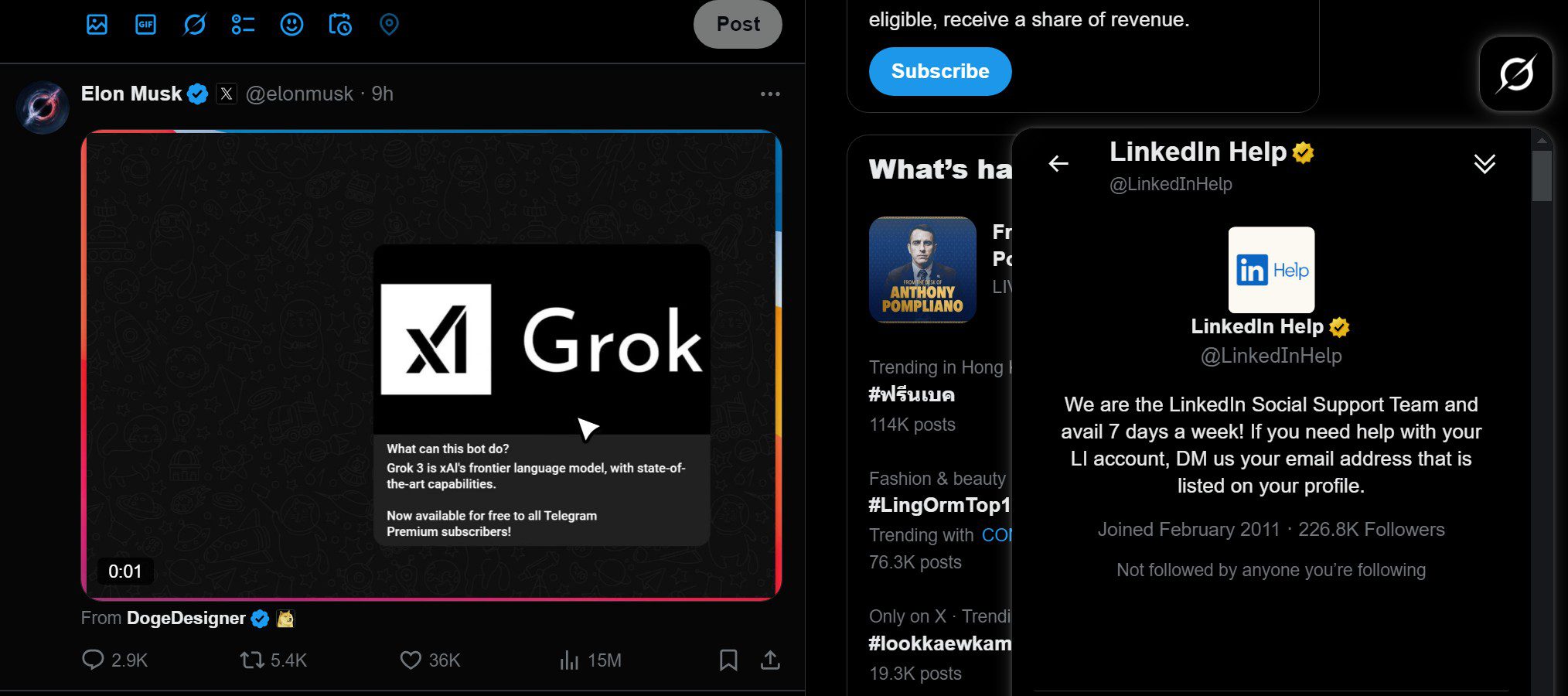
LinkedIn Recovery Method 1: Contact LinkedIn support via an X account
Register an X account, send a direct message to @linkedinhelp, and provide your linked email. Wait 1-3 days and you will receive an unblock email. Follow its instructions to submit your real ID documents.
LinkedIn Recovery Method 2: Contact LinkedIn support by email
Using the email address you registered your LinkedIn account with, send an unblock request to the following addresses:
- linkedin_support@cs.linkedin.com
- linkedin_cn@cs.linkedin.com
- linkedin@e.linkedin.com
- chinalts@linkedin.com
- info_impressum@cs.linkedin.com
- linkedin_cn@linkedin.com
Send to all of them. Some will bounce back saying the message cannot be delivered because it is not linked to a specific case — ignore that and keep sending.
Email content:
我的linkedin被误封了,我不知道发生了什么,请帮我解封我的linkedin账号,我正在用我的linkedin账号联系我的重要的合作伙伴,因此我的linkedin账号对我非常重要,请给我提供帮助,谢谢My LinkedIn account was wrongly restricted. I don't know what happened, Please help unblock my LinkedIn account. I'm using it to communicate with important business partners, so this account is crucial for me. I would really appreciate your assistance. Thank you.Wait for their reply.
LinkedIn Recovery Method 3: Submit an online form
- https://www.linkedin.com/help/linkedin/ask/ppq
- https://www.linkedin.com/help/linkedin/ask/LI-DEFAULT-NEW
- https://www.linkedin.com/help/linkedin/ask/TS-F-APPEAL
- https://www.linkedin.com/help/linkedin/ask/TSO-DPO
Updated May 8, 2025
LinkedIn Recovery Method 4: Appeal via the LinkedIn Help Center
Click the link https://www.linkedin.com/help/linkedin/answer/a1377116
Click the link in the red box.
You will be taken to a page asking for a verification code.
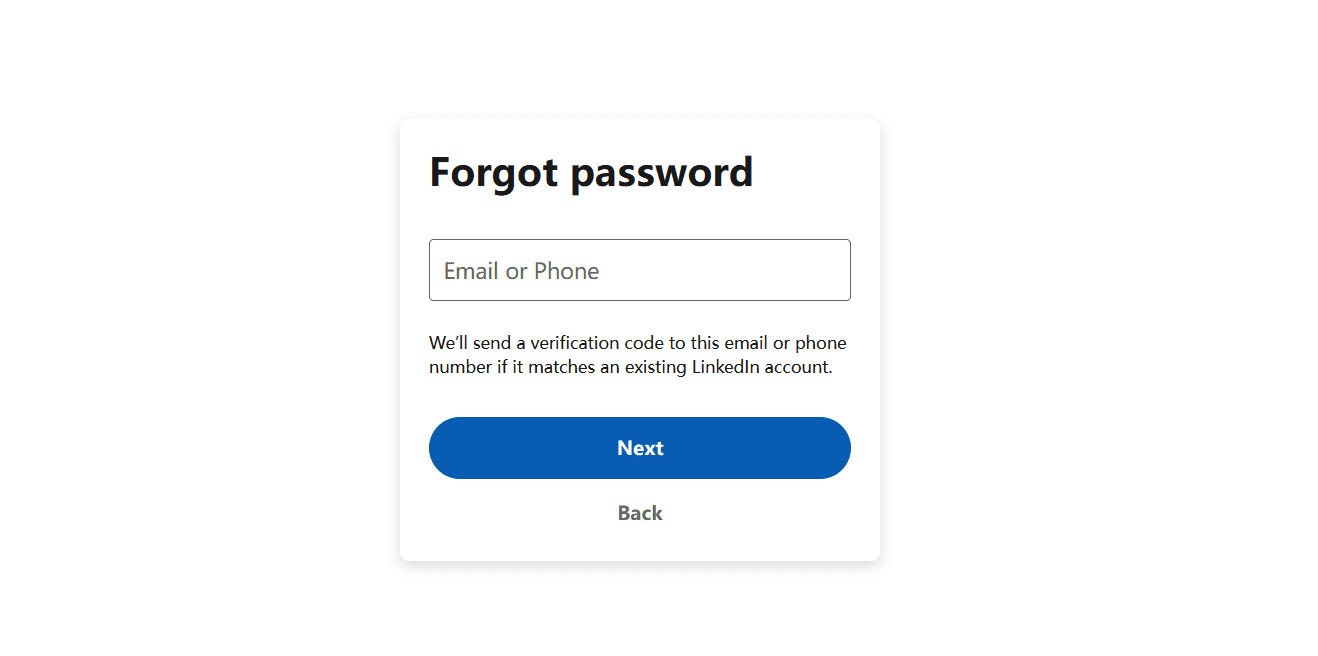
Enter the email bound to your LinkedIn account and click Next.
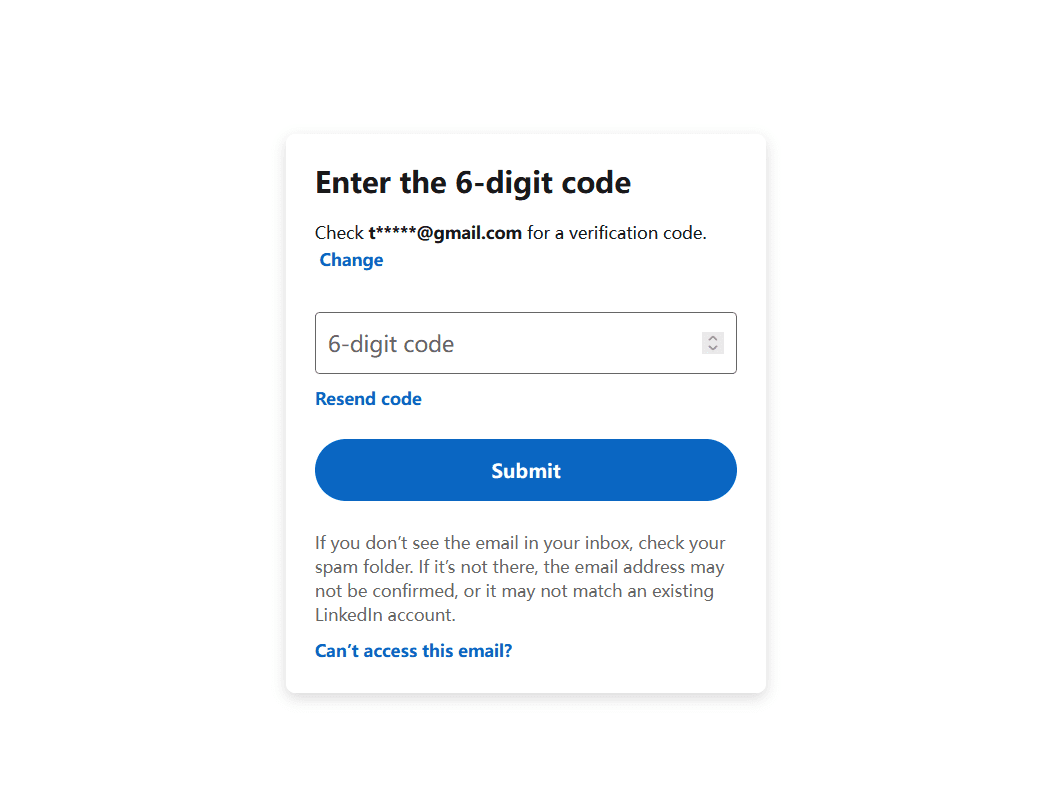
Click Can't access this email?
It will ask you to enter a new email. After entering it, click Next to reach the following screen:
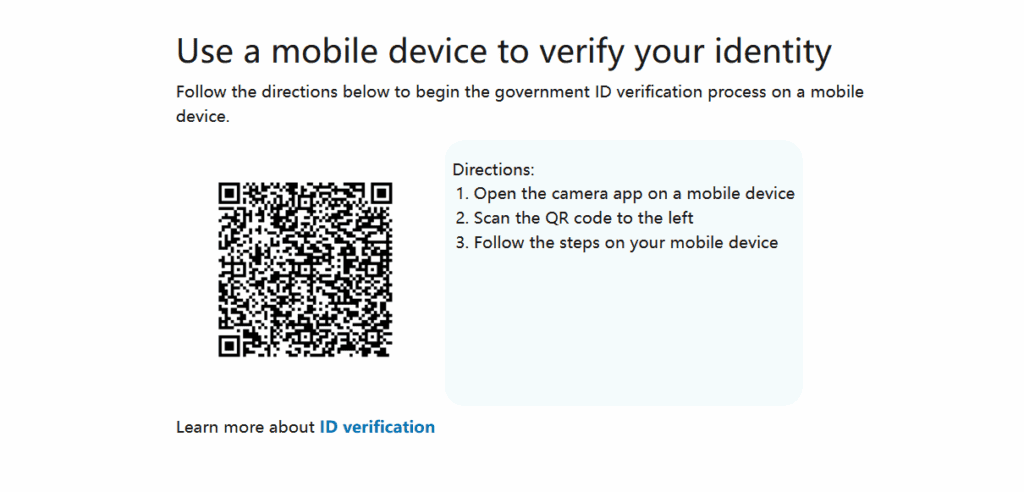
Here you can scan a passport or ID card to verify your identity.
LinkedIn Recovery Method 5: Submit an additional appeal letter
Register a new email address.
https://www.linkedin.com/help/linkedin/ask/ppq
Use this link to submit an appeal, explaining that the original email is no longer accessible and needs to be changed to the new one.