 VirtualCardx
USDT Networks Compared: ERC20 vs TRC20 vs BEP20 Costs
Verification note — September 15, 2026
Prices, plans, eligibility, regional availability, fees, USSD codes, network costs and service status in this article can change without notice. This review uses Tether supported-protocols / issuer pages as the official recheck point. Historical figures and hands-on observations remain dated context, not a current quote, availability promise, or payment-success guarantee. Before buying, topping up, moving assets, or sending an on-chain transaction, recheck region, tax, network and expiry on the provider’s final checkout, app/support channel, or wallet confirmation screen.
When transferring USDT, every exchange displays a list of network options: ERC20, TRC20, BEP20, Arbitrum, Optimism… If you select the wrong one, at best you’ll end up paying tens of yuan in extra fees; at worst, you’ll lose your funds permanently. This article breaks down the major USDT transfer networks—which ones are cheapest, which are fastest, and which ones you absolutely must not mix.
Why Are There So Many USDT Networks?
USDT (Tether) is one of the earliest stablecoins and was initially issued only on Ethereum. However, Ethereum’s transaction fees were too high; an ERC20 transfer could cost over ten dollars during peak congestion. As a result, Tether began issuing the same USDT on other blockchains—Tron, BSC, Polygon, Solana, and Avalanche—essentially covering every major public blockchain on the market.
Here’s a key point: Although USDT on different networks are all called USDT and their value is pegged to $1, they are essentially different token contracts. If you transfer USDT via the TRC20 network to an address that only supports ERC20, the funds will not be received by the recipient, nor will they be frozen; instead, they will be stuck at the contract level. Whether they can be recovered depends on many factors, but it is highly unlikely that they will be recovered.
The three most commonly used networks differ in cost by a factor of 100
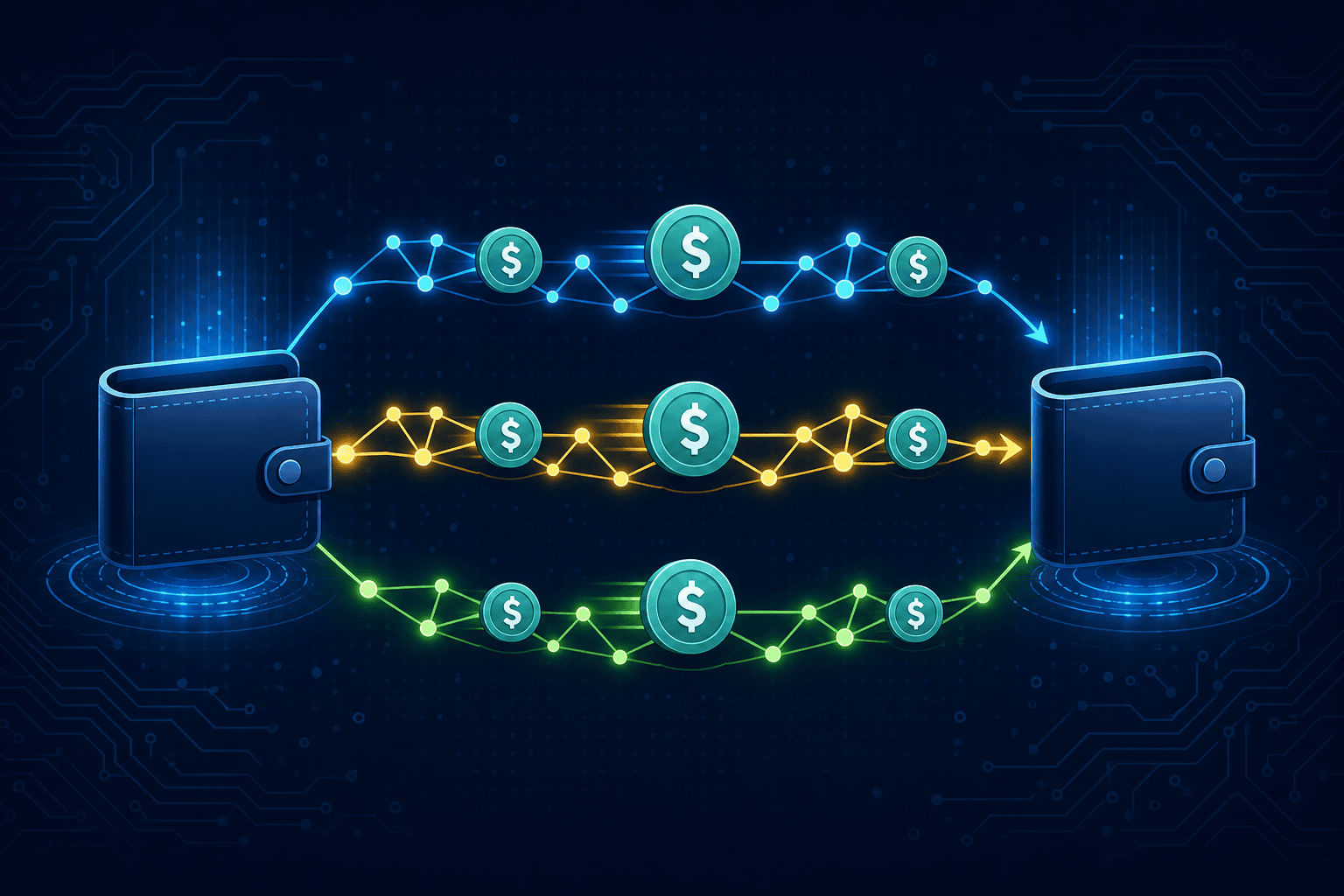
The three most commonly used blockchains are ERC20 (Ethereum), TRC20 (Tron), and BEP20 (Binance Chain). Let’s look at the data first:
- ERC20 (Ethereum): The fee for a single transaction is approximately $3–$15, depending on the congestion level of the ETH network. Transactions typically take 1–5 minutes to process. It offers the highest level of security and the most robust ecosystem, but the fees are indeed high. It is suitable for large-amount transfers.
- TRC20 (Tron): Each transfer is a fixed amount of 1 USDT. Transfers typically take a few seconds to 1 minute to process. TRC20 is the most widely used network in China, with nearly all C2C transactions and over-the-counter settlements conducted via TRC20. It is the most cost-effective option for small-amount transfers.
- BEP20 (Binance Smart Chain): Approximately $0.03 to $0.05 per transaction. Transfers are processed in a matter of seconds. While fees are the lowest, BEP20 is not as widely accepted as TRC20—some smaller exchanges do not support BEP20 deposits and withdrawals.
Can you see the difference? If you transfer 100 USDT, using ERC20 might cost you a $15 fee, while using TRC20 costs only $1, and using BEP20 costs less than 5 cents. For everyday small transfers, there’s basically no reason to use ERC20.
Applicable Scenarios for Each Network
When Should You Use TRC20?
In the vast majority of cases, TRC20 is the network of choice for users in China—exchange support is nearly 100%, over-the-counter (OTC) transactions default to TRC20, deposits are fast, and fees are fixed and predictable. If you’re looking for someone to buy U from in a WeChat group, just give them a TRC20 address, and they’ll know exactly what you mean.
Here’s a quick tip: TRC20 transfers consume bandwidth and energy on the Tron network. For regular transfers, if you have a sufficient TRX balance in your account, the system automatically deducts TRX equivalent to 1 USDT. If you withdraw funds from an exchange, the exchange covers this energy cost for you, so you only need to pay the 1 USDT withdrawal fee.
When Should You Use ERC20?
Large-value transfers. If you’re transferring more than $50,000 in USDT, the security premium of ERC20 is worth it—Ethereum has far more nodes and is far more decentralized than Tron and BSC, making it theoretically more resistant to single-point attacks or tampering.
Another scenario involves DeFi interactions. Many DeFi protocols on Ethereum only accept ERC-20 USDT, so if you want to perform transactions on Uniswap, Aave, or Curve, you must use ERC-20 tokens. But to be honest, the DeFi experience on Layer 2 chains is already much better now, with gas fees an order of magnitude lower.
When Should You Use BEP20?
When looking for the lowest transaction fees, BEP20 transfer fees are among the lowest across all major networks. However, there is one issue: some smaller exchanges and wallets do not support BEP20 as fully as they do TRC20. Before using it, be sure to confirm that the recipient supports BEP20 (also known as BSC) deposits.
Binance-affiliated products (Trust Wallet, MetaMask configured for BSC) work most seamlessly with BEP20. If you regularly use the Binance ecosystem, BEP20 is definitely convenient.
Layer 2 Networks: A New, More Affordable Option
Starting in 2023, Tether began issuing USDT on Layer 2 networks such as Arbitrum, Optimism, and Polygon. These networks have extremely low transaction fees (typically less than $0.10) and fast settlement times, but there is a practical limitation: not all exchanges support USDT deposits and withdrawals from these networks.
For example, let’s say you have USDT on Arbitrum and want to transfer it to a smaller exchange. When you go to the withdrawal page, you might find that there isn’t even an Arbitrum option. In this case, you’ll have to first cross-chain your USDT to ERC20 or TRC20, which ends up costing you an extra fee.
Therefore, Layer 2 USDT is suitable for circulation among DeFi users, but not as a tool for everyday payments and settlements. At least that’s the case for now.
What Should I Do If I Connected to the Wrong Network?
This is the pitfall beginners are most likely to fall into. Here are three common mistakes:
The first scenario is when you select ERC20 for a withdrawal but enter a TRC20 address (or vice versa). If the recipient is an exchange, some major exchanges (such as Binance) can detect the incorrect address and refund the funds, but smaller exchanges lack this capability. If the funds are sent to a personal wallet, they’re essentially lost.
The second scenario is when you withdraw funds from an exchange to a blockchain that isn’t supported by your destination platform. For example, withdrawing BEP20 USDT from an exchange to a DeFi wallet that only supports ERC20. While the funds have indeed arrived on the blockchain, the destination wallet’s interface won’t display assets on that specific chain. You’ll need to import your private key into a multi-chain wallet (such as MetaMask with the BSC network) to view and transfer the funds.
The third reason is that the amount does not meet the minimum deposit threshold. Most exchanges have a minimum deposit limit; amounts below this threshold will not be credited to your account or may not even be refunded. Be sure to check the minimum deposit amount before making a deposit.
My advice: Before withdrawing funds, always make a small test transfer first. For example, send 2 USDT to see if it arrives, confirm that the address and network are correct, and then send the larger amount. It costs an extra $1 in fees, but that’s better than losing thousands of dollars.
The Hidden Costs of Withdrawing Funds from an Exchange
Exchange withdrawal fees are not the same as actual network fees. The exchange charges you a 1 USDT TRC20 withdrawal fee, but the actual network cost may be lower (and could even be close to zero if you’ve staked TRX to earn Energy). The difference is the exchange’s profit.
There’s no reason to complain about this—exchanges provide liquidity services and security, and earning a markup on withdrawal fees is a reasonable business model. However, as a user, you should be aware of the difference between the actual network costs and the exchange’s fees so you can compare withdrawal rates across different exchanges. Some exchanges charge only 0.8 USDT for TRC20 withdrawals, while others charge 2 USDT—the difference is pure profit.
Summary of Practical Recommendations
Use TRC20 for everyday transfers—the fee is a flat 1 USDT, it’s supported by all platforms, and funds arrive quickly. For large transfers (over $50,000), consider using ERC20—it offers higher security but comes with higher fees. Use BEP20 when you’re looking for the absolute lowest fees and both parties support it. You only need to consider Layer 2 networks when participating in DeFi.
No matter which network you use, do two things before making a transfer: confirm that the recipient’s address supports your chosen network, and test it with a small amount first. These two steps will help you avoid transfer issues like 90%.
Further reading
This article focuses on USDT transfer networks itself; the fuller treatment of the same topic is in the stablecoin card rails breakdown.